Trusted by 105+ SaaS Founders and Product Teams



.webp)
.webp)



.webp)







A Smarter Way to Bring Motion Into Modern Brands
Motion design helps brands communicate with more clarity, consistency, and impact across digital channels. Orbix Studio creates motion systems and visuals that make it easier to launch, explain, and scale with more presence.
.avif)
Why Orbix studio?
Orbix Studio creates motion design for product brands that need clarity, polish, and speed. We combine creative direction, product thinking, and execution to deliver motion that feels premium and works across real marketing and product touchpoints.
Product teams supported with design built for speed, clarity, and growth.
80+
Design projects delivered across product, brand, campaign, and launch work.
140+
Years of experience shaping digital products, brands, and launch systems.
06+
Average client rating across projects focused on quality, trust, and delivery.
4.9
Flexible Motion Design Support for B2B SaaS and AI Teams
From UI animation and 3D visuals to explainer content and launch assets, we support teams end-to-end or plug in where extra motion capacity is needed most.
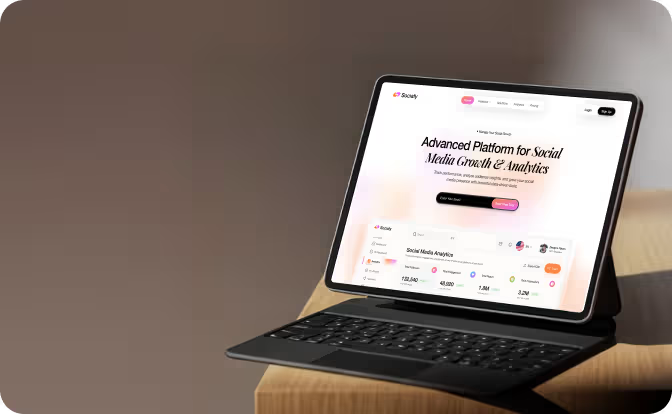
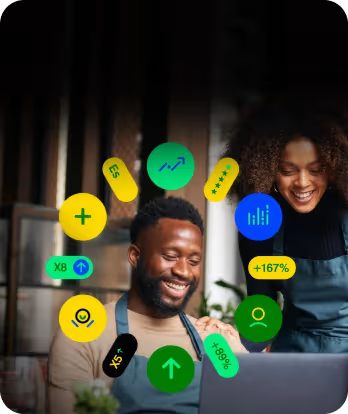
Launch Campaign Motion
Support launches with motion assets designed to build attention, sharpen messaging, and create a stronger market presence.
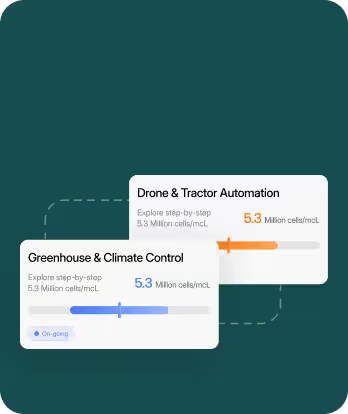
UI Animation
Use motion to clarify interfaces, highlight interactions, and polish digital products.
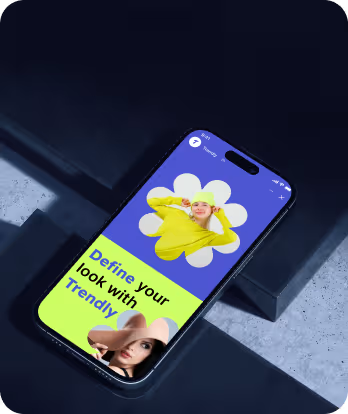
Explainer Videos
Turn complex ideas into clear visual narratives that help audiences quickly understand products, features, and value.
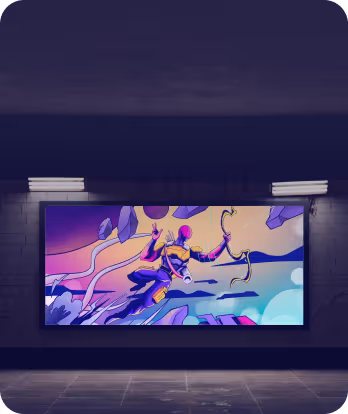
3D Motion Design
Create sophisticated brand stories through 3D motion design.
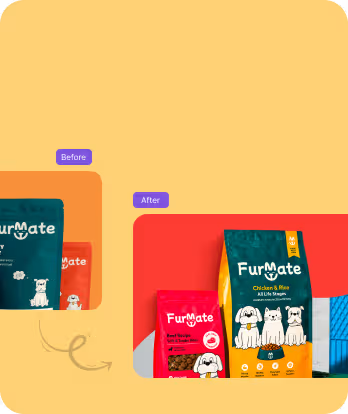
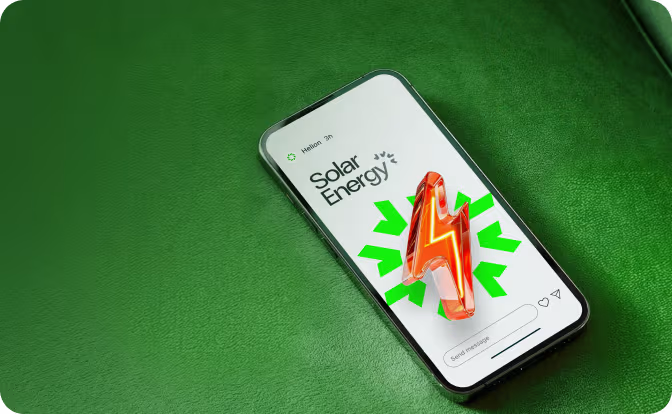
Product Demo Videos
Present your product's operations using motion-centric demos that streamline workflows, accentuate features, and highlight user advantages.
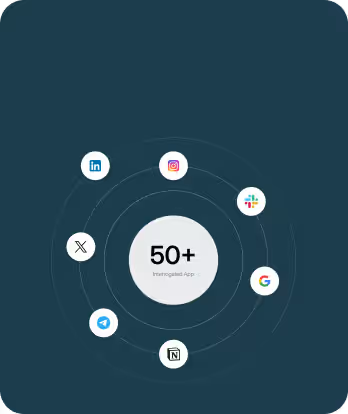
Brand Motion Systems
Build a motion language your brand can use consistently across campaigns, product experiences, and digital touchpoints.
How We Bring Motion Ideas to Life
Every project moves through three clear stages: define the direction, design the visuals, and animate the final output. It keeps the work focused, efficient, and easy to move forward.
Step 1
Define
.svg)
Set the Direction
We align on the goal, message, audience, and the use case for the motion.
Step 2
Design
Shape the Visual System
We create the frames, scenes, and structure that guide the motion.

Step 3
Animate
Bring It to Life
We produce the final motion, refine the details, and prepare everything for delivery.
.avif)
Ai-Powered, Creative-First Motion Design
We use AI to speed up motion workflows, explore more creative directions, and produce content more efficiently, while keeping every output aligned with your brand, product, and campaign goals.
Faster concept development
Use AI-assisted exploration to test visual directions and shape motion ideas earlier.
Smarter production workflows
Speed up repetitive tasks, extend assets, and support faster motion production.
More scalable content creation
Adapt motion assets across formats, channels, and campaign needs with less friction.

Brand-aligned outputs
Apply AI within a guided creative system so motion stays consistent and on-brand.
%201%201.svg)


What SaaS Teams Say About
Working with Orbix Studio

Jessica Epley
Finance Manager, TN HomeBuyers
5/5

"Attention to detail showed in every step of the project. The new website delivered stronger conversions, higher organic traffic, and a smooth development experience."
52%
Higher online conversion rate
37%
Increase in organic search traffic

Rizwan Chaudhry
CEO, Cenmed Enterprises
5/5
"Every design decision had a clear purpose behind it. The final product feels more cohesive and much easier for customers to navigate."
41%
Faster Task Completion
92%
Design Consistency

Mark Boudreau
COO, Healthfully
5/5
"Orbix Studio kept the project organized, communicated clearly, and delivered everything on schedule."
100%
On-Time Delivery
<24 hrs
Average Response Time
Robel Yemane
Engineering Leader, Privilee
5/5
"It was clear we were working with people who knew what they were doing. Every milestone stayed on track, and the final microsite met all our expectations."
3 Weeks
Launch Timeline
100%
Reusable Components.

Olha Lomako
Founder, Modern Etiquette with Olha
5/5
"It never felt like just another project. Every decision was made with our goals in mind, and the team genuinely cared about getting everything right."
100%
Brand Alignment
4 Weeks
Project Completion

Jamie Prickett
CEO, Experior Financial Group
5/5
"Orbix Studio has made our day-to-day work more efficient, and our users have noticed the difference too. It's been a great experience from start to finish."
35%
Less Manual Work
94%
User Satisfaction

Vladimir Plancak
Software Developer, TIAC d.o.o.
5/5
"Working together was easy from day one. Whenever priorities changed, the team adapted quickly and kept everything moving without delays."
98%
On-Time Delivery
95%
Issue Resolution
.svg)
.svg)
Got Questions?
We’ve Got Answers
If you’re unsure where to start or want to see how we can help, reach out, and we’ll walk you through it.

Let’s Talk
Book an Intro Call
Founder & CEO @OrbixStudio
.svg)
What’s included in a motion design project?
Can you create motion for existing designs?
Can you animate our UI and app screens?
Can you match our existing brand style?
Will developers be able to implement the animations?
Can motion help improve user engagement?
What files will we receive?
How long does a motion design project take?
Can you support ongoing motion design needs?
How much does motion design cost?
Let’s Talk
Book an Intro Call
Founder & CEO @OrbixStudio

.svg)


.svg)

.svg)

.svg)
.svg)







.avif)



.svg)

