


.svg)


%201%201.svg)
AI-Driven UX Patterns for SaaS Products: 10 That Work in 2026


- AI suggestion toggles let users verify recommendations against live CRM data in one view without switching tabs making AI outputs feel trustworthy instead of arbitrary.
- Adaptive interfaces adjust layout and feature visibility based on each user's behavior, not a fixed template reducing cognitive load and lifting task completion across SaaS workflows.
- Always validate AI-assisted intake fields inline with confidence scores users who see uncertainty flagged in real time trust the product more and submit fewer errors.
- AI UX differs from traditional UX because outputs are probabilistic, not fixed your design job is communicating model confidence and giving users a clear, one-click path to override.
Artificial Intelligence isn't coming to UX design it's already here, fundamentally reshaping how users interact with digital products. By 2026, AI-driven UX patterns have evolved from experimental features to essential expectations across every successful SaaS product.
These aren't futuristic concepts or speculative trends. These are battle-tested patterns already deployed by leading companies, showing measurable improvements in engagement, conversion, and retention.
This comprehensive guide reveals the 10 AI-driven UX patterns dominating SaaS products in 2026, with practical implementation strategies, real-world examples, and metrics proving their impact.
Why AI-Driven UX Has Become Non-Negotiable for SaaS in 2026
Three years ago, AI in your SaaS UX was a differentiator. A feature that made you stand out. In 2026, it's the price of admission. Users who interact daily with Netflix, Google Maps, and Spotify have been trained unconsciously to expect interfaces that know them. Static dashboards and generic onboarding flows now feel like renting a car that doesn't remember your seat position.
The shift isn't just about user preferences. The business numbers are stark:
Traditional UX vs. AI-Driven UX - What Actually Changed
The 10 AI-Driven UX Patterns Every SaaS Product Needs in 2026
1. Hyper-Personalized Interface Adaptation
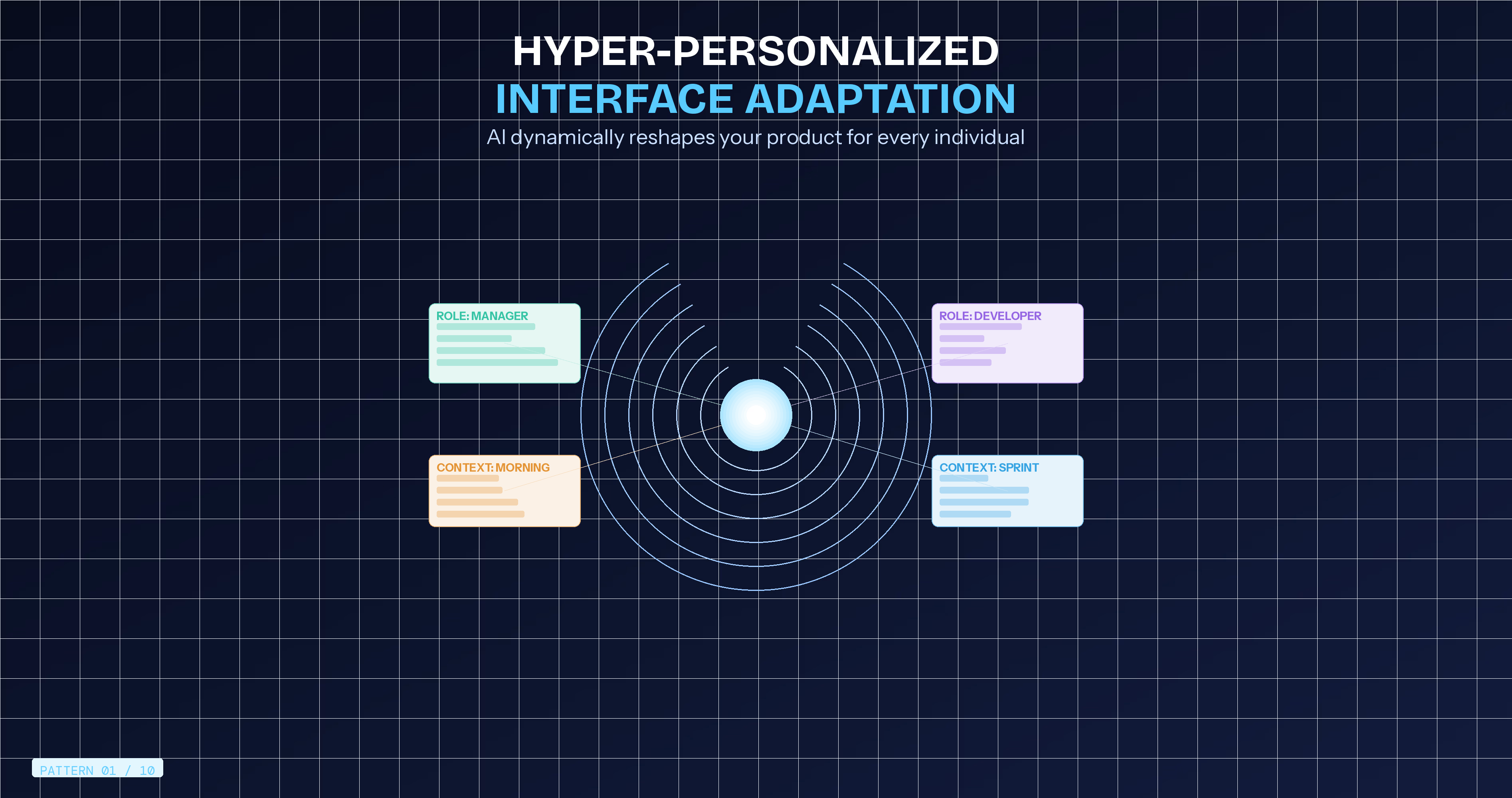
What It Is: Interfaces that dynamically adapt layout, content, features, and even visual design based on individual user behavior, role, and context.
How It Works: AI algorithms analyze usage patterns, feature engagement, time-of-day preferences, and workflow sequences. The interface automatically reorganizes to surface relevant features and hide rarely-used capabilities for each specific user.
Real-World Implementation: Google Maps changes color schemes based on time of day and traffic conditions, creating contextually appropriate experiences. Salesforce Einstein adapts dashboard layouts based on role and usage patterns sales managers see pipeline metrics prominently while individual reps see activity tracking front and center.
Business Impact: Project management SaaS implementing adaptive interfaces saw 38% increase in feature adoption as frequently-used tools surfaced automatically for each user. Support ticket volume decreased 23% as interface complexity reduced through intelligent hiding of advanced features.
Implementation Guide:
- Start with role-based defaults (admin vs end-user vs manager)
- Track feature usage frequency per user
- Implement progressive disclosure showing advanced options only when relevant
- Allow manual customization overriding AI suggestions
- Test with A/B groups measuring engagement and task completion
Orbix Perspective: We've implemented adaptive interfaces for multiple SaaS clients. The key is balancing intelligent adaptation with user control. Users appreciate helpful adaptation but need ability to override when AI assumptions miss.
2. Predictive Intent Recognition
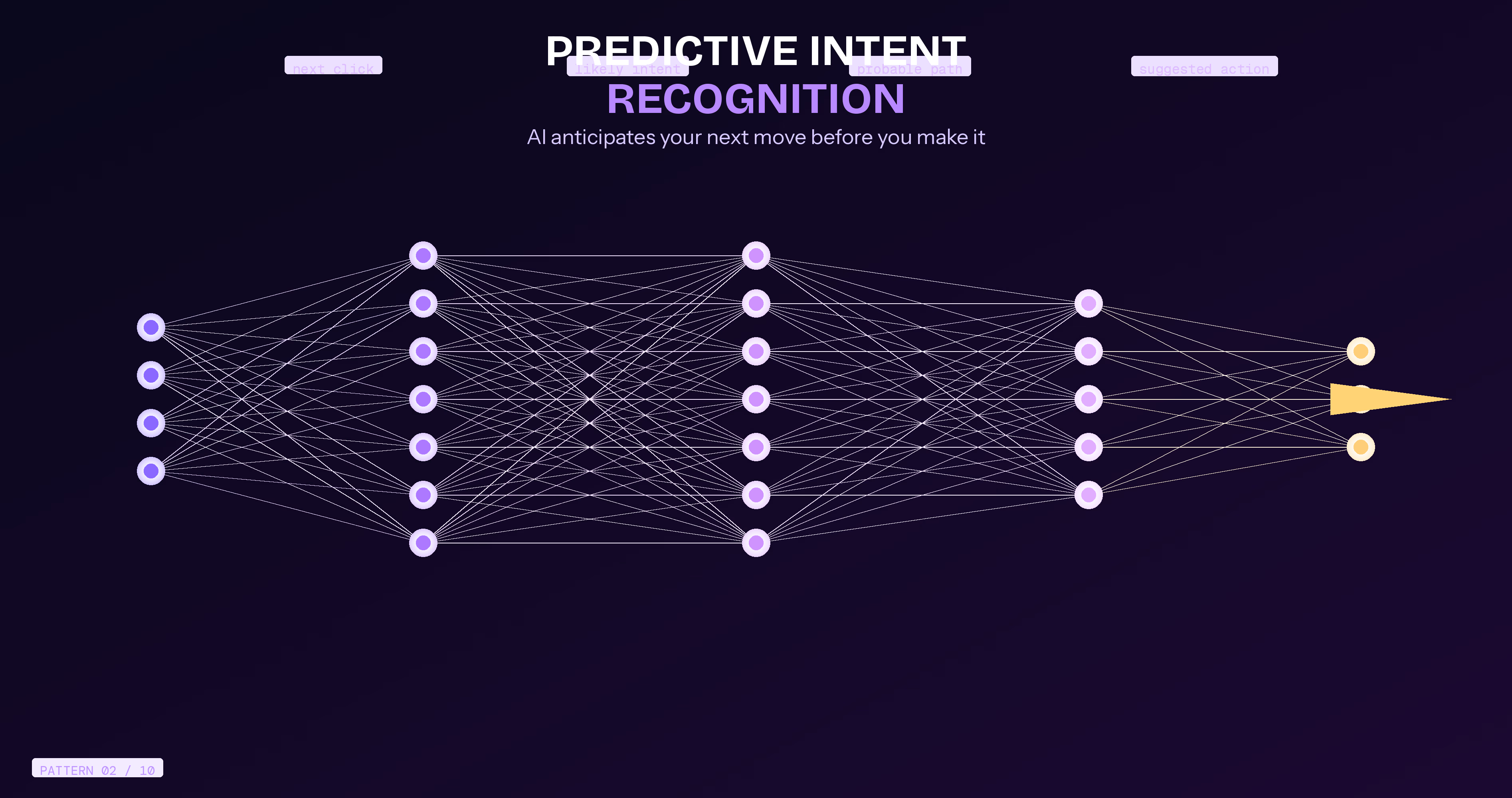
What It Is: AI anticipates user actions before they happen, proactively suggesting next steps and streamlining workflows.
How It Works: Machine learning models analyze historical behavior patterns identifying common action sequences. When users begin familiar workflows, the system predicts likely next actions and surfaces them immediately.
Real-World Implementation: Gmail's Smart Compose predicts entire sentences as you type. Notion suggests templates based on current context and past document patterns. Slack recommends channels and contacts as you begin typing based on communication patterns and current context.
Business Impact: CRM implementing predictive suggestions reduced average task completion time by 34% and increased data input quality (fewer errors) by 28% as AI pre-filled common fields accurately.
Implementation Guide:
- Identify repetitive workflows in your product
- Build sequence models from historical user data
- Implement confidence thresholds (suggest only when >70% confident)
- Design unobtrusive suggestion UI (doesn't disrupt if ignored)
- Continuously learn from acceptances and rejections
Technical Considerations: Start with rule-based predictive models before implementing machine learning. Often, simple "users who do X typically do Y next" logic delivers 80% of the value with 20% of the complexity.
3. Contextual AI Assistance
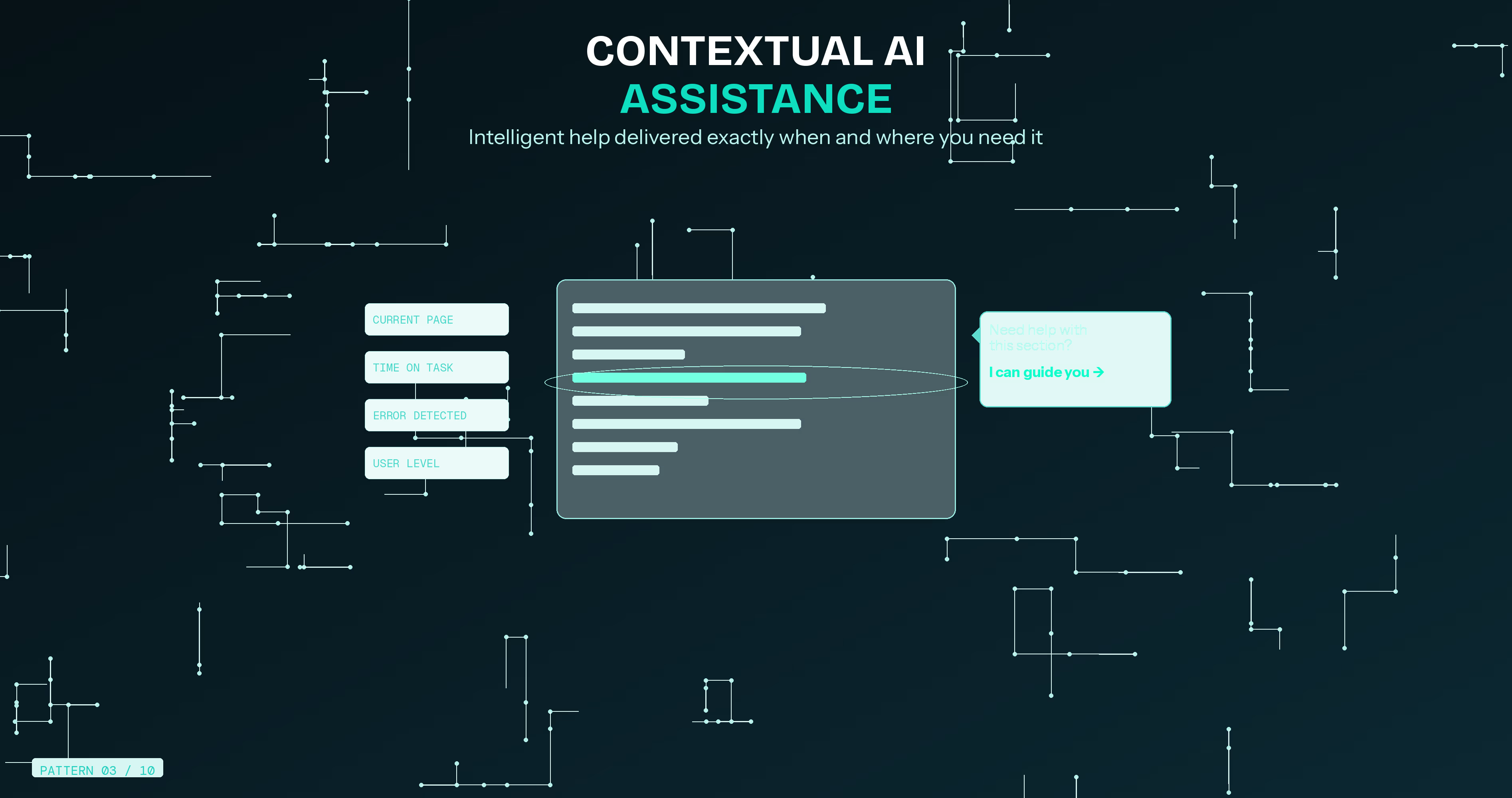
What It Is: Intelligent help systems understanding current user context and providing relevant guidance exactly when needed.
How It Works: AI monitors user location within the product, current task, time spent, error patterns, and behavioral signals indicating confusion. Instead of generic help documentation, users receive specific assistance relevant to their exact situation.
Real-World Implementation: Figma's AI assistant detects when users struggle with specific tools and provides contextual tutorials. Intercom's Resolution Bot answers support questions by understanding conversation context and user history, resolving 33% of inquiries instantly without human agents.
Business Impact: Analytics platform implementing contextual AI assistance reduced support ticket volume by 41% while improving user satisfaction scores by 27 points. Feature adoption increased 52% as users received guidance exactly when attempting new capabilities.
Implementation Guide:
- Map common confusion points and error patterns
- Create contextual help content for each product area
- Implement behavior detection (extended hover, repeated clicks, error encounters)
- Design non-intrusive assistance (dismissible, unobtrusive placement)
- Continuously update content based on actual questions users ask
Privacy Consideration: Be transparent about data usage. Users appreciate helpful assistance but resist feeling "watched." Clear privacy policies and user control build trust.
4. Intelligent Content Generation
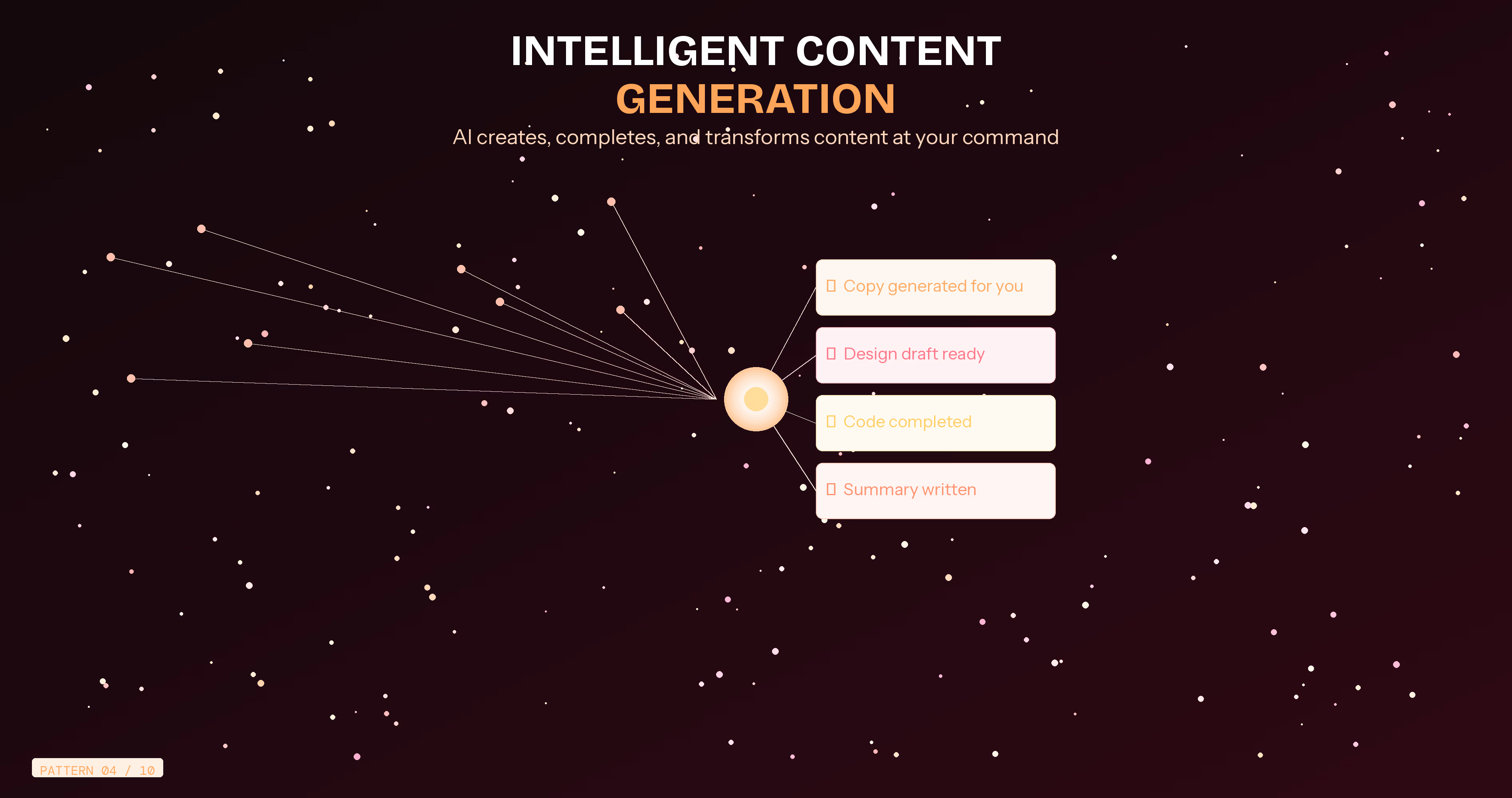
What It Is: AI that creates, suggests, or completes content within your application—copy, designs, code, or data—reducing user effort dramatically.
How It Works: Large language models and generative AI analyze context, user intent, and historical patterns to generate appropriate content matching user needs and maintaining consistency with existing work.
Real-World Implementation: Notion AI writes, summarizes, and transforms content. Figma AI generates designs from text descriptions. GitHub Copilot completes code. Grammarly rewrites text for tone and clarity. These tools don't replace users they accelerate creation.
Business Impact: Marketing automation platform integrated AI copywriting suggestions. Users created campaigns 56% faster while maintaining 93% satisfaction with AI-generated starting points. Trial-to-paid conversion increased 29% as users experienced value faster.
Implementation Guide:
- Identify content creation bottlenecks in your workflow
- Integrate appropriate AI models (OpenAI, Anthropic, open-source alternatives)
- Design iterative refinement UI (generate, review, refine, approve)
- Maintain user control—AI suggests, humans decide
- Track usage and satisfaction metrics continuously
Quality Control: Always implement human review loops. AI generates excellent starting points but requires human judgment for final approval. This "human-in-the-loop" approach delivers best results.
5. Sentiment-Aware Interactions
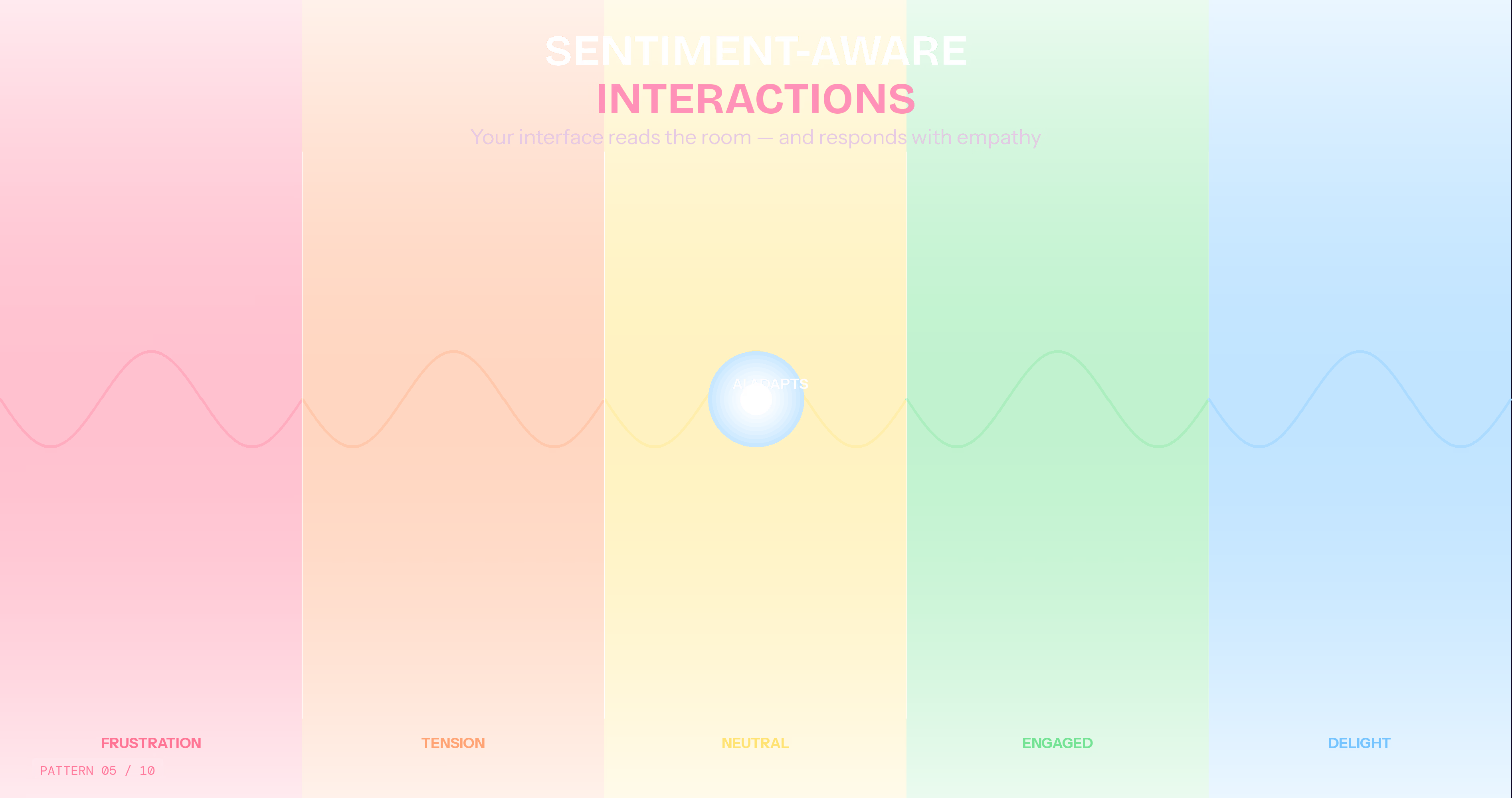
What It Is: Interfaces detecting user emotional state through behavioral signals and adapting tone, pace, and presentation accordingly.
How It Works: AI analyzes typing speed, error rates, navigation patterns, session duration, and interaction intensity. When detecting frustration (rapid clicks, repeated errors), the system adjusts—simplifying options, offering help, or changing tone from cheerful to empathetic.
Real-World Implementation: Customer service platforms detect frustrated users through text analysis and escalate to human agents automatically. Learning platforms adjust difficulty when detecting struggle signals. E-commerce sites simplify checkout when detecting abandonment signals.
Business Impact: Customer support SaaS implementing sentiment detection reduced churn among frustrated users by 37%. Early frustration detection triggered proactive assistance preventing 41% of would-be cancellations.
Implementation Guide:
- Define behavioral signals indicating emotional states (frustration, confusion, satisfaction)
- Build detection models from historical behavioral data
- Design appropriate responses for each emotional state
- Test thoroughly avoiding patronizing or presumptuous interactions
- Provide opt-out for users preferring standard experience
Ethical Considerations: Emotional awareness requires sensitivity to cognitive inclusion and neurodiversity. Design assistance without manipulation. Build trust through transparency about how the system works.
6. Conversational Interfaces with True Understanding
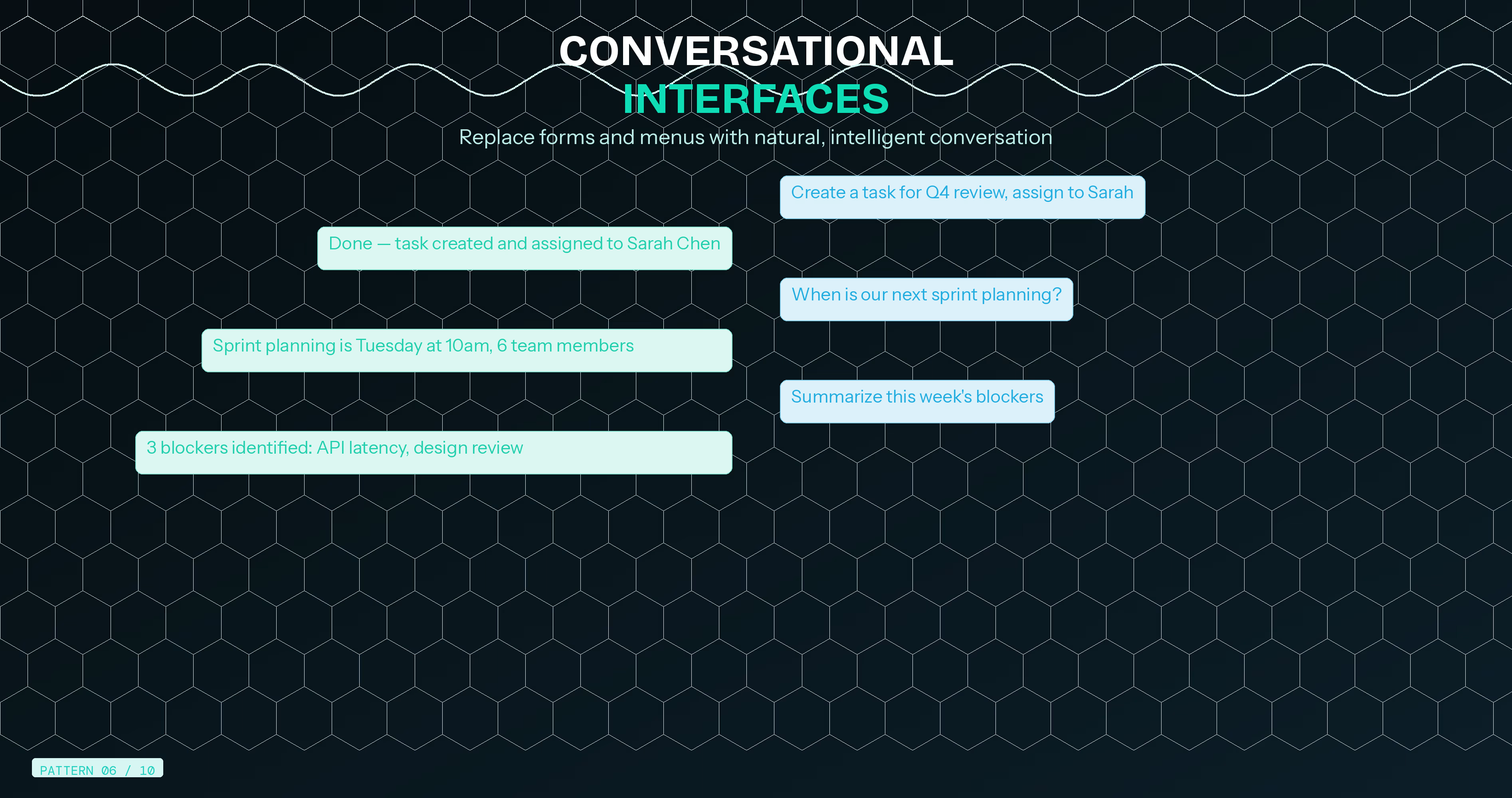
What It Is: AI-powered chat interfaces that genuinely understand natural language queries and context, replacing form-based interactions with conversation.
How It Works: Advanced natural language processing interprets user intent from conversational input. Rather than navigating menus or completing forms, users describe what they want in plain language—AI understands and executes.
Real-World Implementation: Shopify's AI assists merchants through conversational queries. Stripe's AI explains complex billing scenarios in natural language. Zapier's AI builds automations from descriptions: "When someone fills out my contact form, add them to my email list and notify me on Slack."
Business Impact: Project management tool implementing conversational task creation saw 44% faster task entry and 67% increase in adoption among non-technical users who previously found the interface intimidating.
Implementation Guide:
- Map common user tasks and intents
- Implement NLP models (GPT-4, Claude, or domain-specific models)
- Design conversation flows with clear confirmation steps
- Handle edge cases gracefully with clarifying questions
- Continuously improve from actual user conversations
Best Practices: Combine conversational and traditional interfaces. Power users often prefer direct manipulation while beginners appreciate conversation. Offer both, letting users choose their preferred interaction mode.
7. Automated Workflow Optimization

What It Is: AI observing how users complete tasks and proactively suggesting more efficient workflows or automation opportunities.
How It Works: Machine learning identifies repetitive patterns, inefficient sequences, and automation candidates. The system suggests workflow improvements, keyboard shortcuts, or full automation for repetitive tasks.
Real-World Implementation: Notion detects repeated manual tasks and suggests database automations. Airtable's AI identifies opportunities for formula automation. Gmail suggests filters and labels based on manual email sorting patterns.
Business Impact: Productivity platform implementing workflow suggestions increased power user engagement by 51% and reduced time spent on repetitive tasks by 38% according to tracked metrics.
Implementation Guide:
- Instrument your product tracking user workflows
- Identify repetitive action sequences across user base
- Build suggestion engine prioritizing high-frequency patterns
- Design clear explanations showing effort saved
- Allow one-click implementation of suggested improvements
Value Communication: Show concrete time savings. "We noticed you manually categorize 50 items weekly. This automation saves 30 minutes weekly" converts abstract suggestions into tangible value.
8. Intelligent Data Visualization
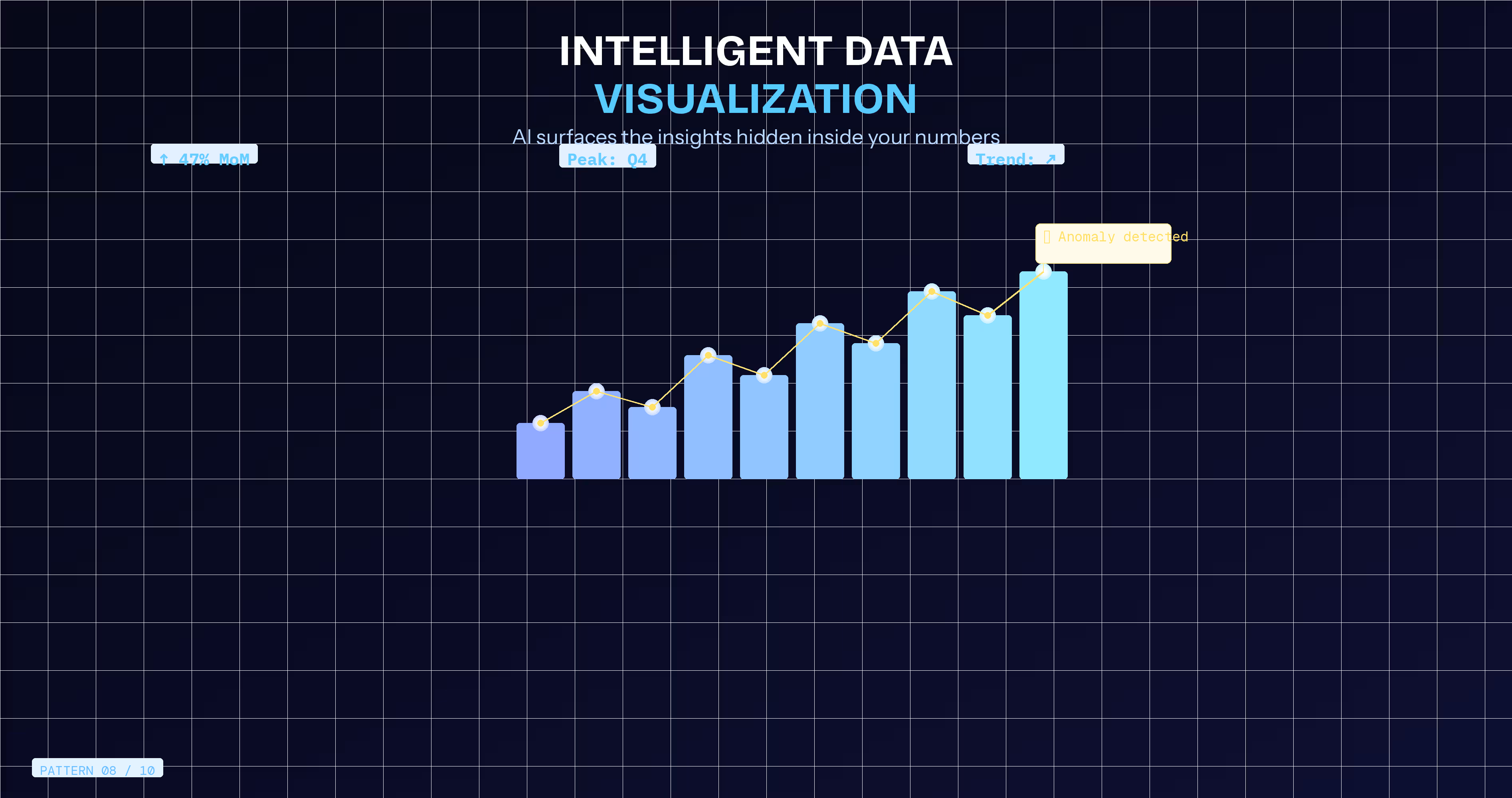
What It Is: AI automatically choosing optimal visualization types, highlighting anomalies, and surfacing insights from complex data without manual configuration.
How It Works: Machine learning analyzes data structure, patterns, and user goals to automatically generate appropriate charts and dashboards. AI identifies statistically significant trends, outliers, and correlations worth user attention.
Real-World Implementation: Tableau's AI suggests visualizations. Google Analytics highlights unusual patterns automatically. Business intelligence platforms surface insights like "Sales in Region X dropped 23% this week—typically up 15% this period" without manual analysis.
Business Impact: Analytics SaaS adding intelligent visualization saw 57% increase in dashboard creation and 43% improvement in data-driven decision making as non-technical users could extract insights independently.
Implementation Guide:
- Implement automatic chart selection based on data types
- Build anomaly detection algorithms for time-series data
- Surface contextual insights alongside visualizations
- Allow manual override and customization
- Track which insights drive user action
Technical Stack: Leverage libraries like D3.js for visualizations, Prophet for time-series forecasting, and scikit-learn for pattern detection. Many excellent open-source tools exist for this pattern.
9. Proactive Problem Prevention
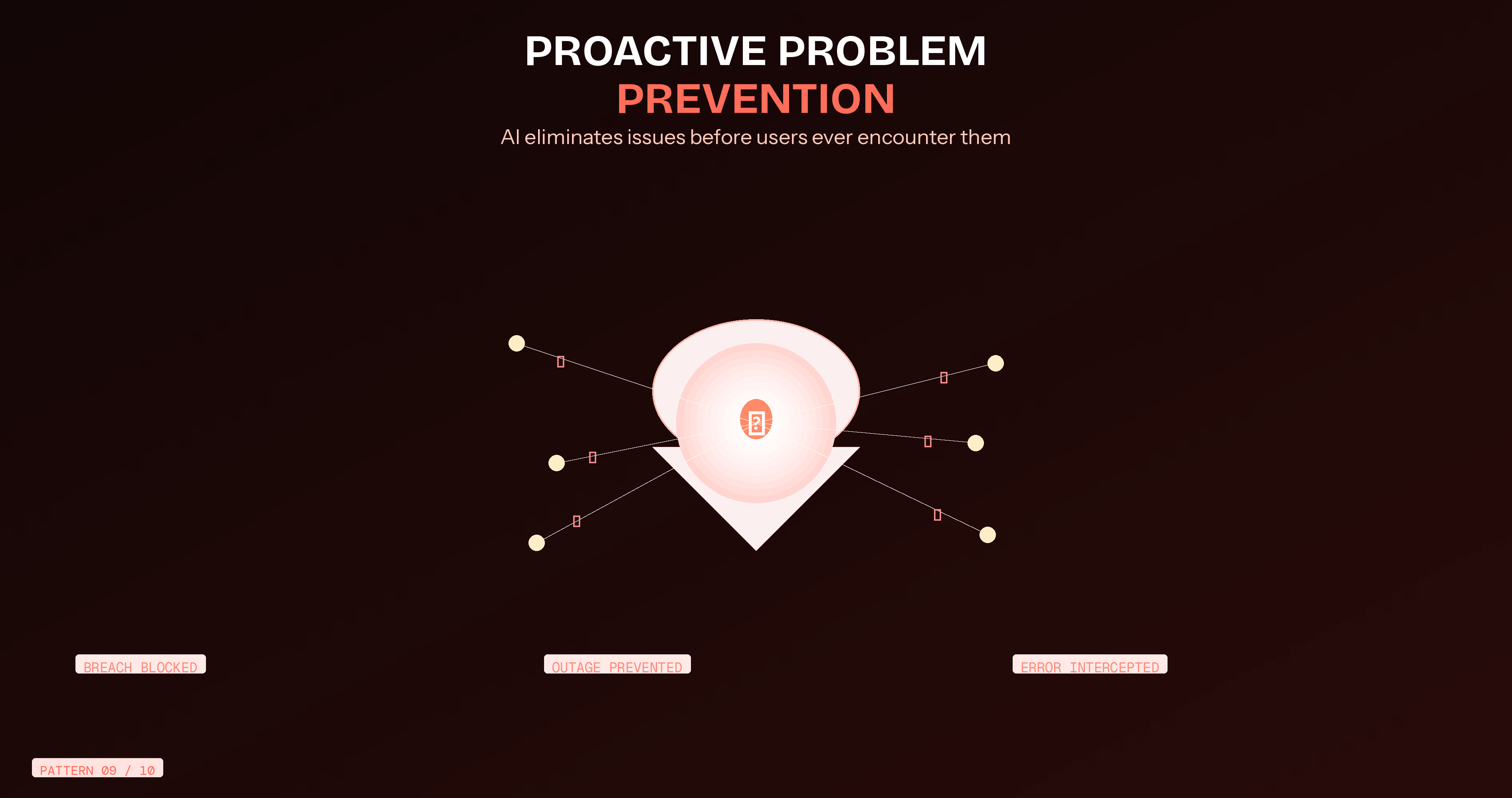
What It Is: AI detecting issues before they impact users and taking preventive action or warning users proactively.
How It Works: Predictive models analyze usage patterns, system health, and historical problem data. When detecting conditions preceding typical problems, the system warns users or takes preventive action automatically.
Real-World Implementation: Cloud infrastructure platforms predict and prevent outages. Security tools detect suspicious patterns before breaches occur. Project management tools warn when projects show signals predicting delays.
Business Impact: SaaS implementing proactive error prevention reduced support tickets by 34% and improved user satisfaction scores by 31 points. Users appreciated problems prevented rather than fixed after occurrence.
Implementation Guide:
- Catalog common problems and their leading indicators
- Build predictive models from historical incident data
- Design unobtrusive warnings with clear recommended actions
- Implement automatic fixes for safe, reversible issues
- Track false positive rates and adjust sensitivity
User Trust: Transparency builds trust. Explain why warnings appear and what data informs predictions. Users accept AI suggestions when understanding the reasoning.
10. Adaptive Learning Paths
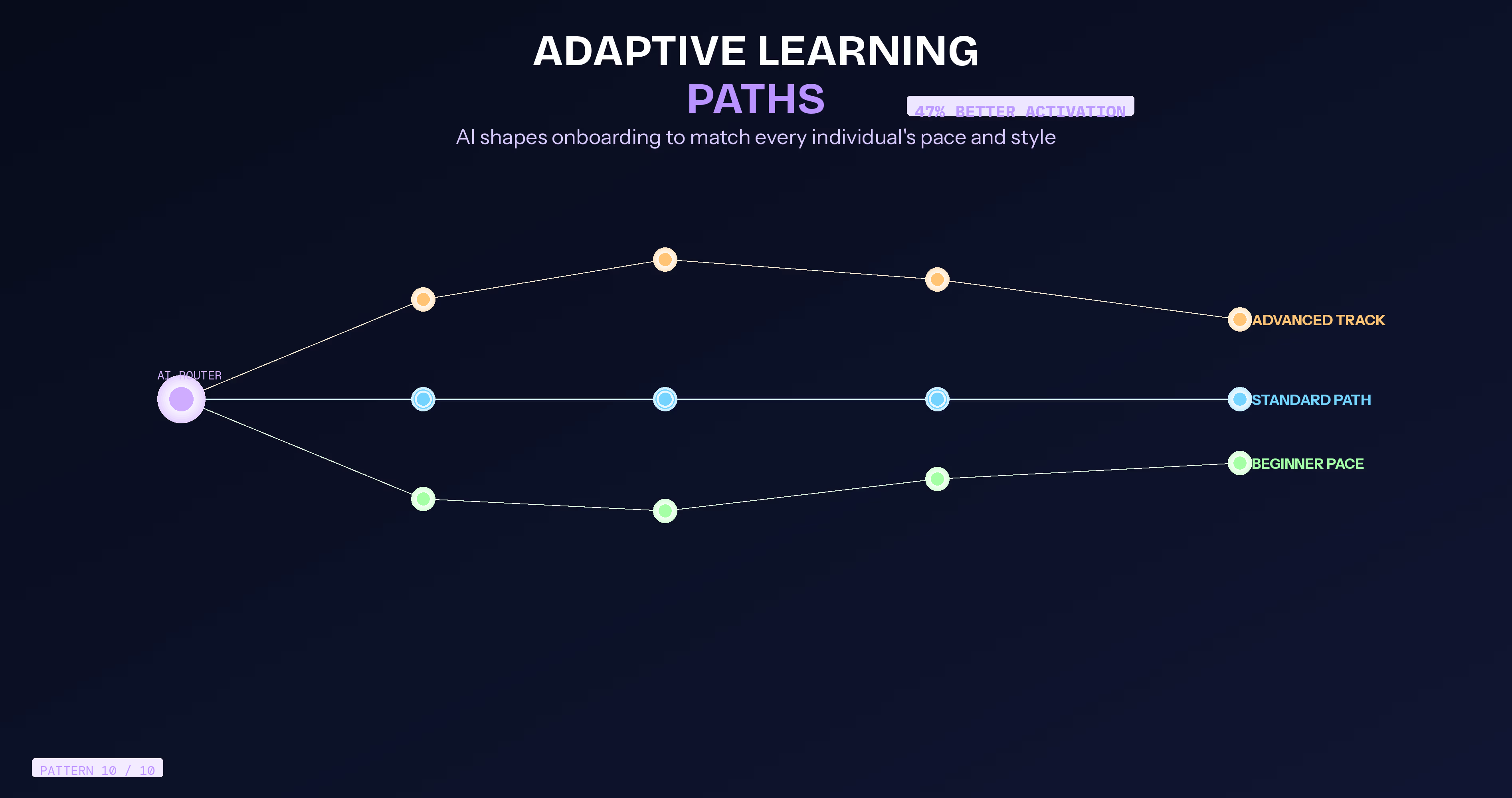
What It Is: Educational experiences adjusting difficulty, pacing, and content presentation based on individual learning patterns and comprehension signals.
How It Works: AI monitors interaction with learning materials—time spent, quiz performance, repeated reviews, help requests—and adapts subsequent content difficulty and teaching approaches to match individual learning styles.
Real-World Implementation: Duolingo adjusts lesson difficulty based on performance. LinkedIn Learning suggests relevant courses from viewing patterns. Onboarding systems adapt pace and depth based on user progress signals.
Business Impact: SaaS onboarding implementing adaptive learning saw 47% improvement in activation rates and 38% increase in feature adoption as users learned at comfortable individual paces.
Implementation Guide:
- Instrument learning experiences tracking progress signals
- Create content variations at different difficulty levels
- Implement adaptive algorithms adjusting based on performance
- Design clear progress indicators maintaining motivation
- Continuously optimize from actual learning outcome data
Pedagogical Considerations: Balance challenge and achievement. Too easy creates boredom; too hard creates frustration. AI helps find optimal difficulty curve for each individual.
Which AI UX Pattern Should Your SaaS Product Implement First?
The most common mistake SaaS teams make after reading a guide like this is trying to implement everything at once. That approach leads to half-finished features, confused users, and no measurable impact. Strategic prioritization is the difference between teams that see results and teams that get stuck in implementation paralysis.
The 2×2 Prioritization Matrix: Impact vs. Implementation Effort
Budget-Based Implementation Guide
7 Critical Mistakes SaaS Teams Make When Implementing AI UX
Poor AI UX implementation doesn't just fail silently it actively damages user trust, increases churn, and turns your most expensive engineering investment into a product liability. These are the seven mistakes that consistently separate SaaS teams who see measurable results from AI-driven UX and those who spend months building features users quietly ignore or resent.
Pitfall 1: AI Does Too Much Without Asking
When AI starts moving things around or triggering actions without warning, users don't feel impressed. They feel like they've lost control of their own tool. What looks magical in a demo feels unsettling in daily use.
The fix: Every time AI does something, tell the user what it did and why. Give them one click to undo it. Let them turn it off from settings. AI should feel like a helpful colleague making suggestions not a system making decisions for you.
Pitfall 2: Personalization That Feels Like Spying
There's a fine line between "this product gets me" and "wait, how does it know that?" The moment users become aware of how closely they're being watched, the experience goes from delightful to creepy. Usually it's not what you personalise it's how explicitly you reference the data.
The fix: Be deliberately vague. "Based on your recent activity" is enough. Users don't need to see the receipt. Also give them a simple way to reset their personalisation data. Just having that option makes people feel safe even if they never use it.
Pitfall 3: You Designed for Success, Not Failure
Your AI will be wrong sometimes. That's not a flaw it's a guarantee. The problem isn't when AI fails. It's when there's no plan for what the user experiences when it does. Users don't blame the model when something breaks. They blame your product.
The fix: Before shipping any AI feature, design three states when it's right, when it's close, and when it's completely wrong. The failure state needs a smooth path back to manual, and an easy way for users to say "this wasn't helpful." That feedback is also your best data for improving the model.
Pitfall 4: Your AI Breaks for Users With Disabilities
Interfaces that rearrange themselves, overlays that appear and disappear, content that shifts dynamically these are exhausting for users who rely on screen readers, keyboard navigation, or spatial consistency to use your product. For someone with ADHD or a cognitive disability, an interface that keeps changing isn't clever. It's a wall.
The fix: Before shipping, test with a screen reader and keyboard-only navigation. Add a "Stable Mode" toggle in settings that turns off layout adaptation while keeping AI assistance on. It takes a few hours to build and protects your most vulnerable users completely.
Pitfall 5: You're Measuring AI Inside Your General Analytics
When AI-powered onboarding and regular onboarding are tracked in the same funnel, you'll never know which one is working. The AI could be performing brilliantly or quietly making things worse and your dashboard will just show you the average.
The fix: Tag AI interactions separately from day one. Create distinct events suggestion shown, accepted, dismissed. Run a permanent split between AI-influenced users and regular users. One hour of setup on day one saves months of confusion later.
Pitfall 6: AI Jumps In Before Users Even Need It
This one comes from a good place the team wants to be helpful. But triggers set too sensitive, suggestions that pop up too early, help that appears before anyone asked for it these don't feel attentive. They feel patronising. After the third or fourth time your AI interrupts someone who was doing just fine, they start dismissing everything automatically. You've trained them to ignore you.
The fix: Start with thresholds that feel uncomfortably high. Trigger help only after 5+ failed clicks. Surface suggestions only above 80% confidence. It's much easier to loosen a threshold later than to rebuild trust with users who've learned to tune you out.
And one firm rule if a user dismisses the same suggestion three times, never show it to them again. Respect that signal.
Pitfall 7: You Forgot to Build the Backup Plan
AI works beautifully for the common case. But real users do unexpected things, use your product in ways you didn't design for, and hit edge cases your model has never seen.
When that happens and it will what does the user experience? If the answer is a broken state or a dead end, that's the moment they lose faith in your entire product. Not just the AI feature. The whole thing.
The fix: Every AI feature ships with a complete, working manual version of the same functionality. Not an error screen an actual polished path that feels intentional. Users can reach it in one click, from anywhere in the AI experience.
When you treat the fallback as a proper feature instead of a safety net, users never feel abandoned when the AI doesn't know what to do.
How to Measure the ROI of AI-Driven UX Patterns
Implementing AI UX without measuring it is like running ads with no conversion tracking. These are the metrics that matter and the benchmarks to compare against.
Conclusion
Here's the honest truth the SaaS teams that win with AI UX aren't the ones who implement the most. They're the ones who pick one thing, ship it properly, and measure it honestly. You don't need all ten patterns. You need the one that solves your biggest user friction point right now.
Go back to the prioritization matrix. Pick one pattern from the "Do Now" quadrant. Define one metric that tells you if it's working. Ship it to 10% of your users. Give it 30 days. That single shipped improvement will teach you more than six months of planning ever could.
And once it works, the next one gets easier because now you have the data, the process, and the user trust to build on. Your ranking is already there. Your users are already finding you. Now give them something worth staying for.
Frequently Asked Questions
What is an AI-driven UX pattern?
An AI-driven UX pattern is a reusable design approach where artificial intelligence actively shapes the user experience in real-time adapting the interface, generating content, predicting actions, or preventing problems based on behavioral data. Unlike static UX patterns that look the same for every user, AI-driven patterns are dynamic, learning from each user's behavior to create a personalized, intelligent experience that improves over time.
How does AI improve SaaS user experience?
AI improves SaaS user experience by removing friction at every stage of the user journey. It personalizes interfaces so users see what's relevant to their role and workflow. It predicts next actions to reduce navigation time. It provides contextual help exactly when users are confused rather than forcing them to search a help center. It detects frustration signals and simplifies proactively. The cumulative effect is an experience that feels significantly more intelligent, responsive, and respectful of the user's time.
What is the difference between AI UX and traditional UX?
Traditional UX is designed once and remains static for all users the same interface, the same onboarding flow, the same help documentation. AI-driven UX is dynamic: it adapts per user, learns from behavior, and actively responds to context. Traditional UX solves for the average user; AI UX solves for the individual user. The result is measurably higher engagement, retention, and satisfaction because the product feels like it was built specifically for each person who uses it.
How much does it cost to implement AI UX patterns in a SaaS product?
Costs vary significantly by scope. Startup-level implementations such as adaptive onboarding using rule-based logic or contextual help triggers can be delivered for $10,000–30,000 and deployed in 6–8 weeks. Mid-market implementations adding predictive intent recognition and content generation typically run $50,000–150,000 over 3–4 months. Enterprise-grade full-stack AI UX infrastructure with custom ML models ranges from $200,000 upward. Most SaaS teams see positive ROI within 6 months through reduced churn and support costs.
Which SaaS companies use AI UX patterns most effectively?
The clearest leaders are Notion (AI content generation and workflow suggestions), Salesforce (hyper-personalized dashboards via Einstein), Figma (contextual assistance and generative design), GitHub (predictive code completion via Copilot), Gmail (Smart Compose and predictive replies), and Intercom (sentiment-aware routing and AI-powered resolution). These products share a common philosophy: AI enhances user control rather than replacing it, and every AI feature has a clear human fallback.
How long does it take to see results from AI UX implementation?
Initial behavioral signal changes acceptance rates, session depth appear within 2–4 weeks of deployment. Meaningful retention impact typically shows up in 30–60 day cohort data. Full NPS impact from AI UX changes is usually measurable at the 90-day mark. The most impactful early wins are in support ticket deflection (measurable within 2 weeks) and time-to-value reduction (measurable within the first month of a user's lifecycle).
Can small SaaS startups implement AI-driven UX without a large budget?
Yes and the best starting point for early-stage SaaS is rule-based adaptive onboarding rather than ML-powered personalization. Rule-based systems (if role = sales then show X) deliver 70–80% of the personalization value at 20% of the cost and complexity. Contextual help triggers, predictive form fill, and simple behavioral nudges are all achievable with standard analytics tooling and a moderate engineering investment. Starting small and measuring carefully is far better than waiting for a larger AI budget.






















.avif)
