


Gen.ho
.svg)
Gen.ho is a smart home mobile app designed to help users control and monitor home devices from one place.
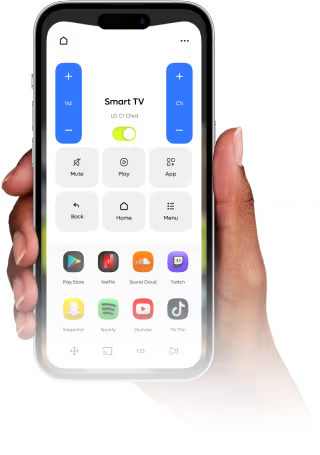
Our task was to design Gen.ho in a way that makes controlling a smart home quick and easy to understand. Users needed a clear way to see device statuses, manage routines, and monitor security. At the same time, the experience had to remove the complexity of managing multiple devices so users feel confident handing over control to the app.
Managing a Smart Home Felt More Complex Than It Needed To
Smart homes are designed to make life easier, but many users struggle with complicated interfaces, disconnected device controls, and confusing automation settings. Instead of enjoying convenience, homeowners often spend unnecessary time navigating the app.
• Device controls were scattered across multiple screens
• Creating automations required too many steps
• Important alerts were difficult to notice quickly
• Managing multiple rooms and devices felt overwhelming
• Technical language made the experience harder to understand
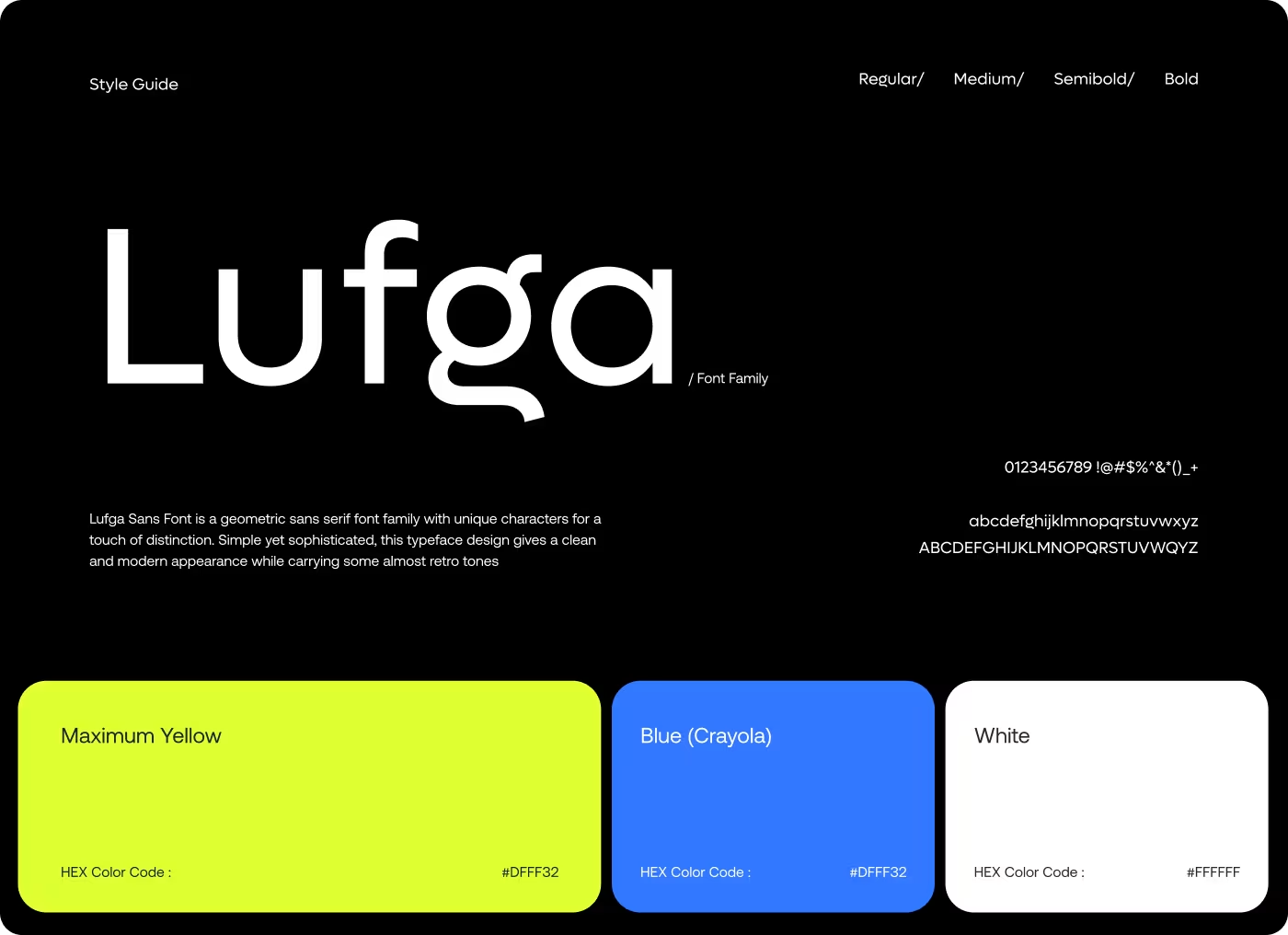
Built a Simpler Way to Control Every Connected Device
We redesigned the experience around the actions homeowners use most frequently. The goal was to make controlling devices, monitoring home activity, and creating routines feel fast, simple, and intuitive.
• Unified all smart devices into a single dashboard
• Simplified automation creation with guided setup flows
• Made alerts and home activity easier to access
• Organized devices by rooms for faster navigation
• Used visuals and icons to reduce complexity
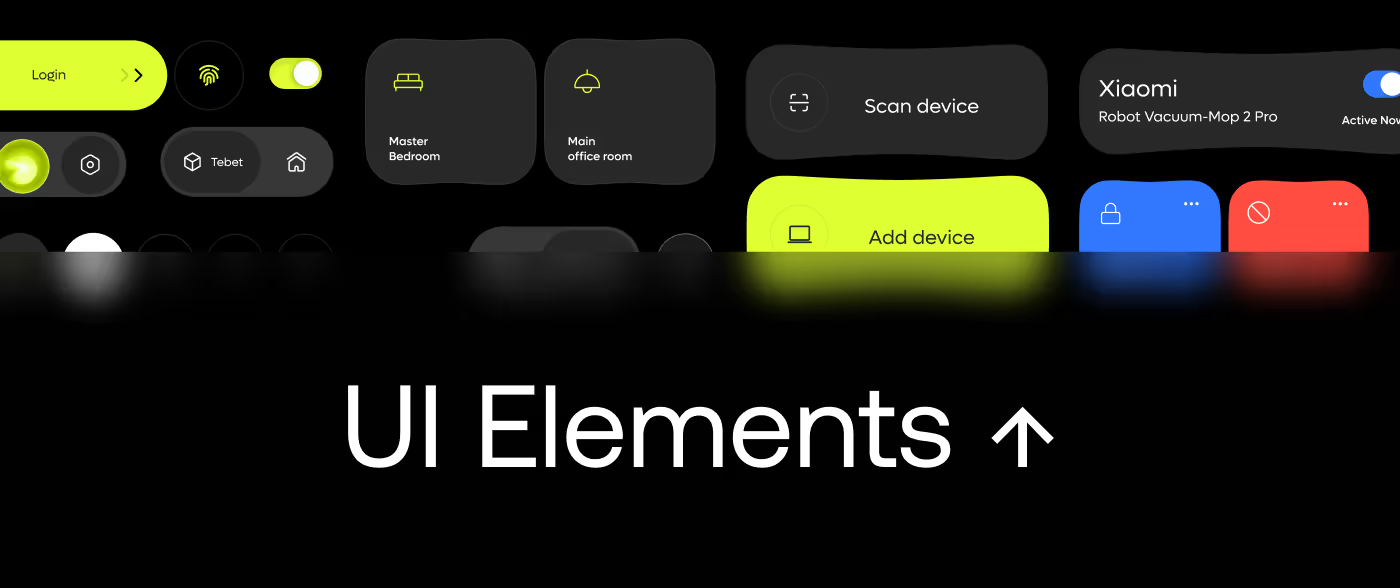
Cards, smart controls, and simplified actions helped users manage their homes with less effort.
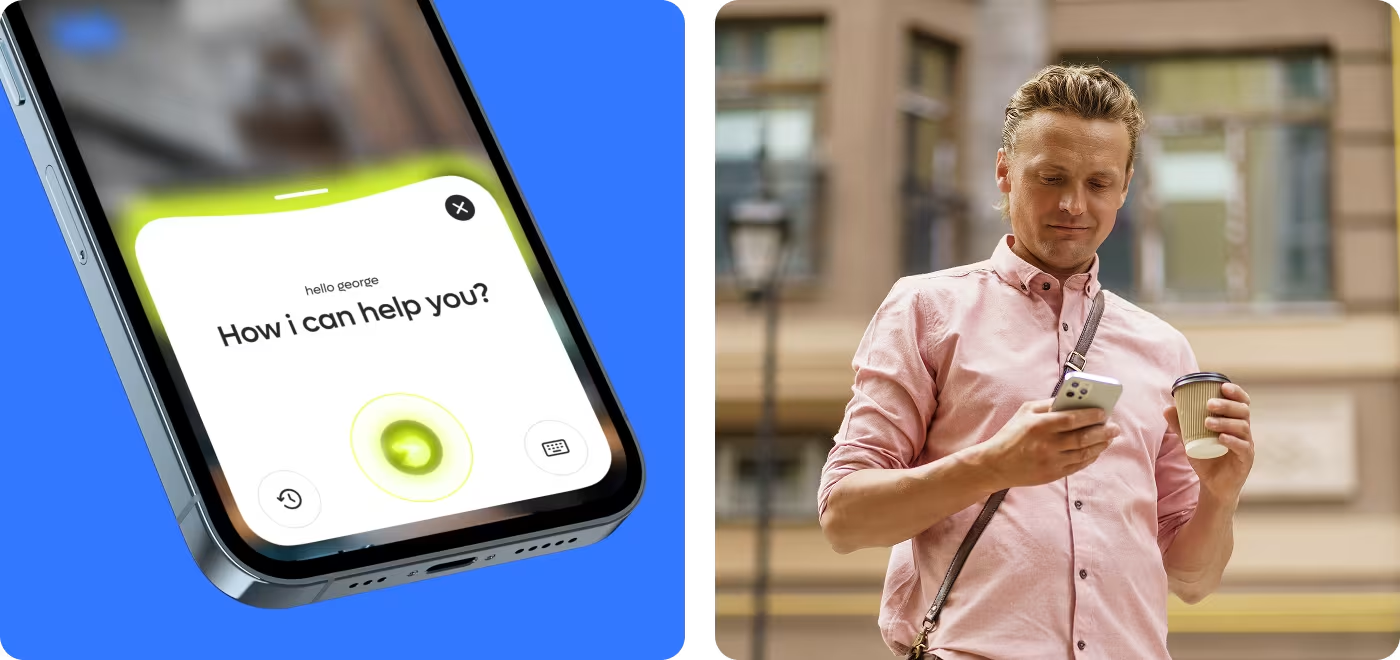
How We Created a More Intuitive Smart Home Experience
• Competitor Analysis
• Smart Home Ecosystem Review
• Market Research
• User Behavior Analysis
• Homeowner Interviews
• Journey Mapping
• Pain Point Analysis
• User Insights
• User Flows
• Information Architecture
• Low-Fidelity Wireframes
• Interaction Validation
• Visual Design
• Design System
• Interactive Prototype
• Usability Testing
Researching How People Use Smart Home Technology
We analyzed homeowner behavior, device usage patterns, and automation habits to understand what makes a smart home experience feel effortless.
• Users want instant access to common controls
Most homeowners regularly interact with lights, security devices, and climate controls and expect quick access to them.
• Simplicity increases feature adoption
Many users avoid advanced smart home features because setup processes feel intimidating.
• Visibility builds trust
People want clear feedback about device status, security alerts, and automation activity.
• Automation should feel approachable
Users are more likely to create routines when the process feels guided and easy to understand.
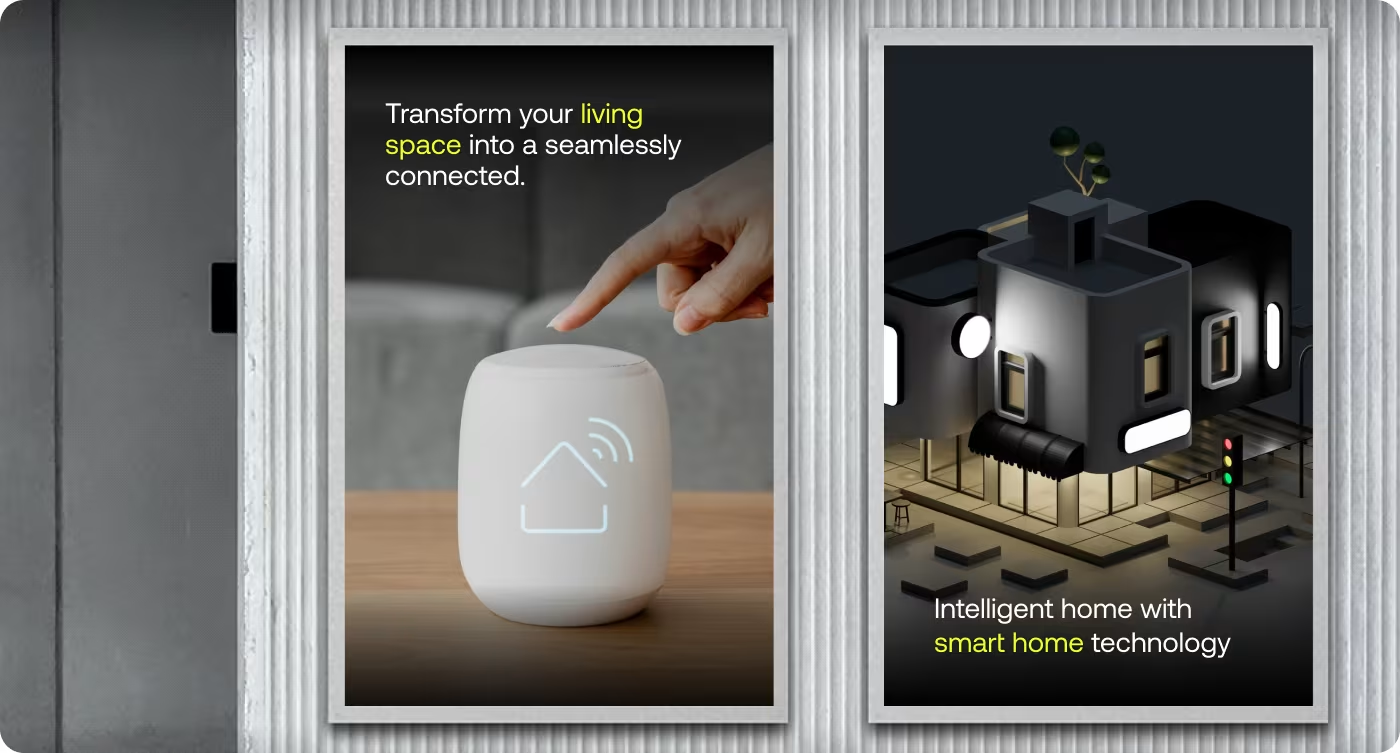
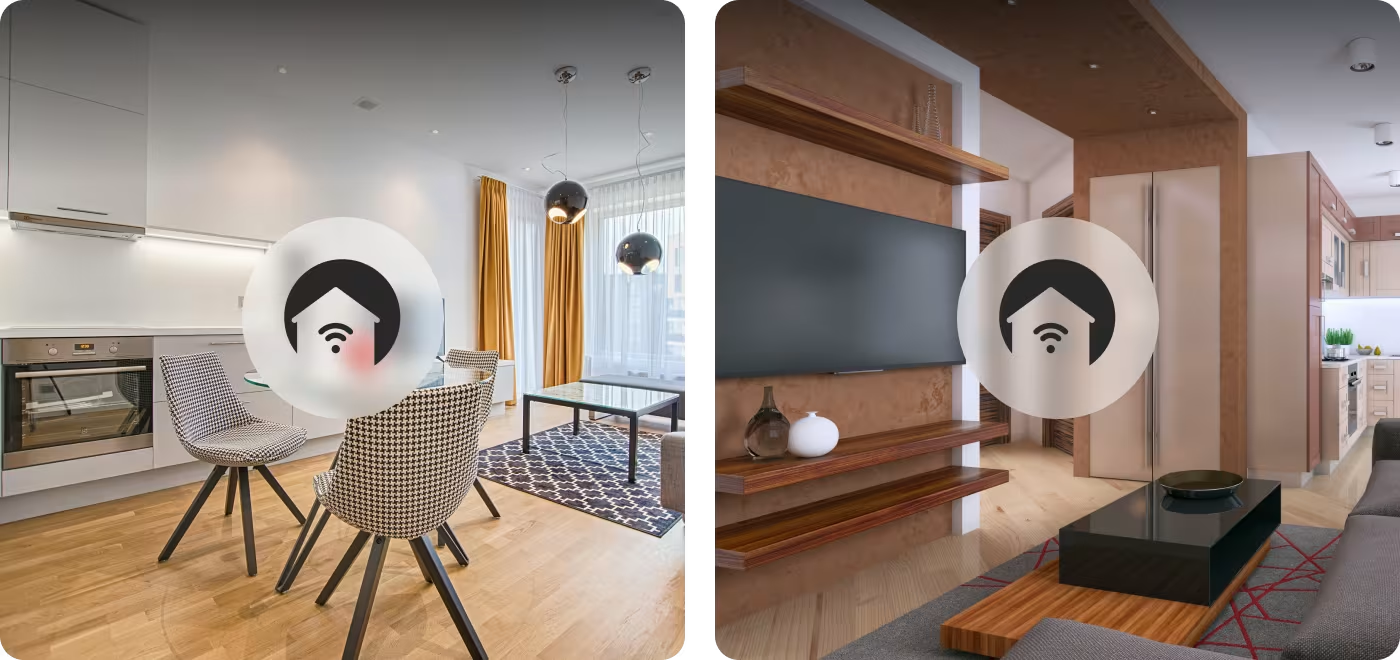
Designing a Faster Way to Control and Monitor the Home
The experience was built around helping users complete everyday tasks without unnecessary complexity. Whether turning off lights, checking cameras, or activating routines, the goal was to reduce friction and improve confidence.
Research, user flows, and wireframes helped create a streamlined experience focused on the actions homeowners perform most often. Every interaction was designed to feel predictable, efficient, and easy to understand.
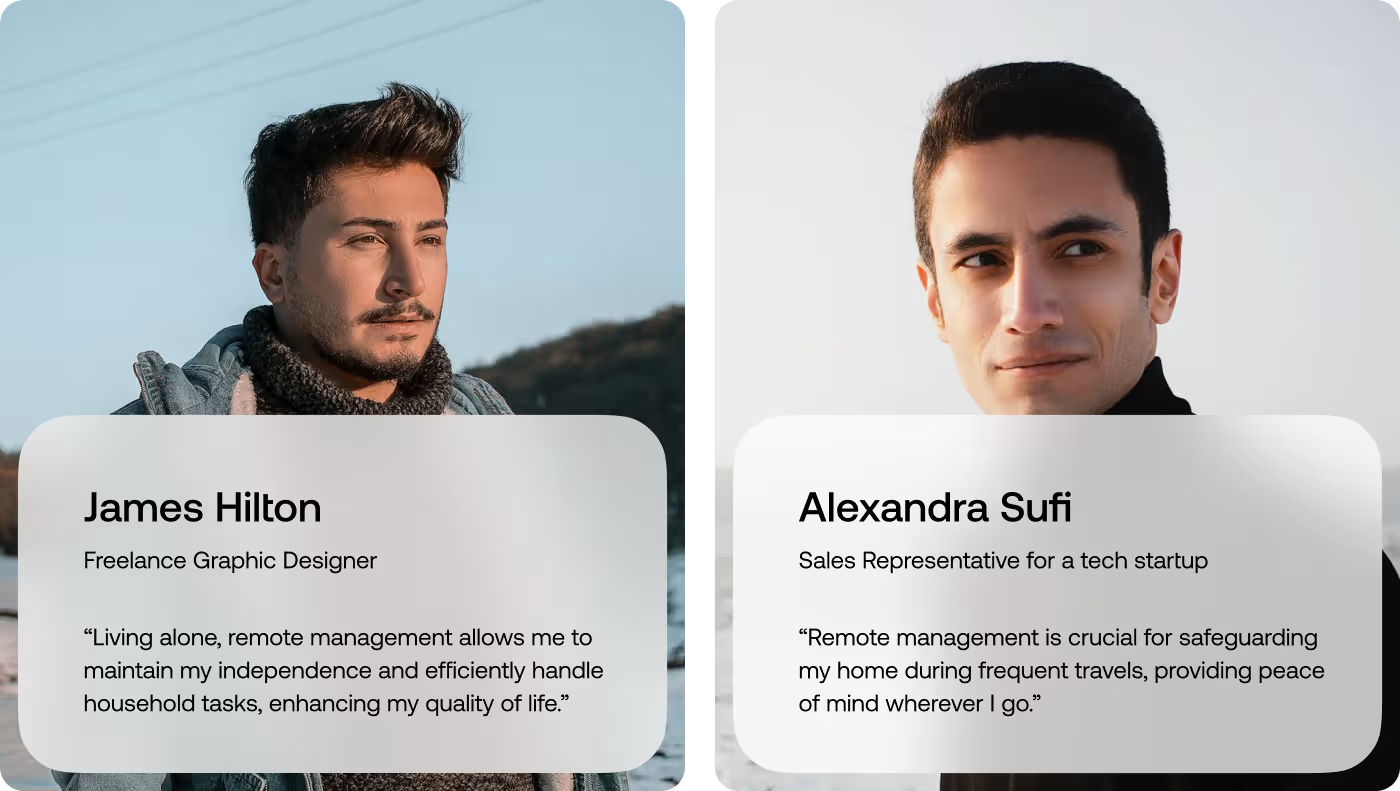
Making Smart Home Management Feel Simple
Once the user journey was simplified, the interface focused on clarity and accessibility. Device status, room organization, and automation controls were designed to be visible without overwhelming the user.
The visual design uses a clean layout, clear hierarchy, and familiar iconography. Important information is surfaced at the right moment, helping users make decisions quickly and confidently while managing their connected home.
Managing a Smart Home Became Faster and More Accessible
By simplifying controls and reducing complexity throughout the experience, homeowners could interact with their smart devices more confidently and efficiently.
• 48% faster access to frequently used devices
Users could control lights, security systems, and appliances with fewer interactions.
• 43% increase in automation adoption
A guided setup process encouraged more users to create custom routines.
• 39% fewer support-related issues
Clearer navigation and simplified controls reduced confusion.
• 35% increase in daily app engagement
A more intuitive experience encouraged users to interact with their smart home system more regularly.
Ready To Build
Your Next Project?
.avif)


%201%201.svg)




.svg)


.svg)

.svg)

















.avif)
