- What Are the Most Popular AI Tools Right Now?
- How Is AI Tool Popularity Measured?
- The Top 10 Most Popular AI Tools, One by One
- Is ChatGPT Still the Most Popular AI Tool?
- Which AI Tools Are Growing Fastest?
- What Are the Most Popular AI Tools by Category?
- What Are the Most Popular AI Tools by Who Uses Them?
- Which Popular AI Tools Are Free to Use?
- How Do You Pick the Right AI Tool as a Beginner?
- What Are Common Mistakes When Choosing an AI Tool by Popularity?
- Frequently Asked Questions
- Final Thoughts


Most Popular AI Tools in 2026: The Top 10 and What Each One Does
- Treat ChatGPT as the default, not the only option. It draws 4.99 billion monthly visits, over four times Gemini, yet holds under half of all tracked AI traffic.
- Compare tools on one yardstick only. Website visits, weekly users, and monthly users measure different things, so mixing them makes rankings look contradictory.
- Watch momentum as well as rank. Claude's visits grew 55.2% in four months, while Gemini's grew 5.8%, leaving the two about 31 million visits apart.
- Match the tool to the job after the top three. Specialists like Canva, CapCut, Cursor, and Suno usually beat a general chatbot at one task.
- Check data rules before pasting anything private. Free personal accounts typically have weaker controls than business plans, and each tool stores data under its own rules.
ChatGPT is the most popular AI tool in 2026, with about 4.99 billion website visits in October, more than four times Google Gemini, the runner-up, according to Semrush data shared by Exploding Topics. Gemini and Claude follow with just over 1 billion visits each, then Canva, DeepSeek, and Character.ai.
But popular doesn't mean right for you. A chatbot that's perfect for homework can be useless for sales emails or video edits, much like a chef's knife is a poor tool for peeling. This guide ranks the top 10 by real traffic, then shows what each does best, which are free, and how to pick one.
What Are the Most Popular AI Tools Right Now?
The 10 most popular AI tools right now are ChatGPT, Google Gemini, Claude, Canva, DeepSeek, Character.ai, Grok, DeepL, CapCut and Perplexity. They're ranked by monthly website visits in October 2026. Most are general AI assistants, meaning chatbots you can ask almost anything.
Here's the full list at a glance:
[Visit numbers are Semrush estimates for October 2026, via Exploding Topics.]
Two things stand out. The gap at the top is huge: ChatGPT's 4.99 billion visits are more than the other nine tools combined (about 4.31 billion). And every tool on the list has a free plan, which is a big reason they spread so fast.
Some big names are missing. Microsoft Copilot sits at No. 11 with 91.5 million visits, and it dropped out of the top 10 since Exploding Topics' previous update. Meta AI and Cursor didn't make the top 10 in June either, per Business Today. So who decides what "popular" means?
How Is AI Tool Popularity Measured?
AI tool popularity is usually measured three ways: monthly website visits, active users, and search interest or app downloads. Each counts something different, which is why two "top AI tools" lists can disagree and both be right. This guide ranks by visits and uses the other two for context.
Monthly Website Visits
Website visits count how often people open a tool's site in a month. Companies like Semrush and Similarweb estimate them, and they're the most common way AI tools get ranked.
Visits are easy to compare, but they have blind spots. They miss phone-app use, and they miss AI that lives inside other products, like Gemini inside Gmail. One busy person can also make dozens of visits a day.
The data source changes the list, too. Business Today's June 2026 ranking, built by aitools.xyz from Semrush and Ahrefs data, put Google Translate at No. 5 and Janitor AI at No. 8. Neither appears in Exploding Topics' October top 10.
Weekly and Monthly Active Users
Active users count people, not clicks, and the companies behind the tools usually publish the numbers themselves. OpenAI says ChatGPT reaches 1.2 billion weekly users. Google said in August 2026 that the Gemini app passed 1 billion monthly active users.
Those two numbers aren't comparable. A weekly user has to come back every week, which is a stricter bar than a monthly one. On the same monthly yardstick, ChatGPT reportedly hit 1 billion monthly users in June, about two months before Gemini did. Google's figure also covers the standalone Gemini app only, not Gemini inside Search or Workspace.
Search Interest and App Downloads
Search interest shows how many people look up a tool on Google, and it's good at catching fast risers. Searches for “Claude AI” grew 611% between October 2024 and September 2026, from 6.4 million to 45.5 million a month, according to Exploding Topics.
Searches and visits can still move in opposite directions. Those Claude searches peaked at 71.1 million in May and June 2026 and then fell, yet Claude's visits grew 55.2% from June to October. Perplexity lost ground on both measures. App downloads add the mobile side, which web-visit rankings often miss.
Numbers tell you how many people show up. They don't tell you why people stay, or whether a tool fits your work. That's what the next section covers, one tool at a time.
The Top 10 Most Popular AI Tools, One by One
Each tool earned its spot for a different reason. Every entry below uses the same order so you can compare quickly: quick facts, what you can use it for, who it suits, what's free, and one thing to watch.
1. ChatGPT
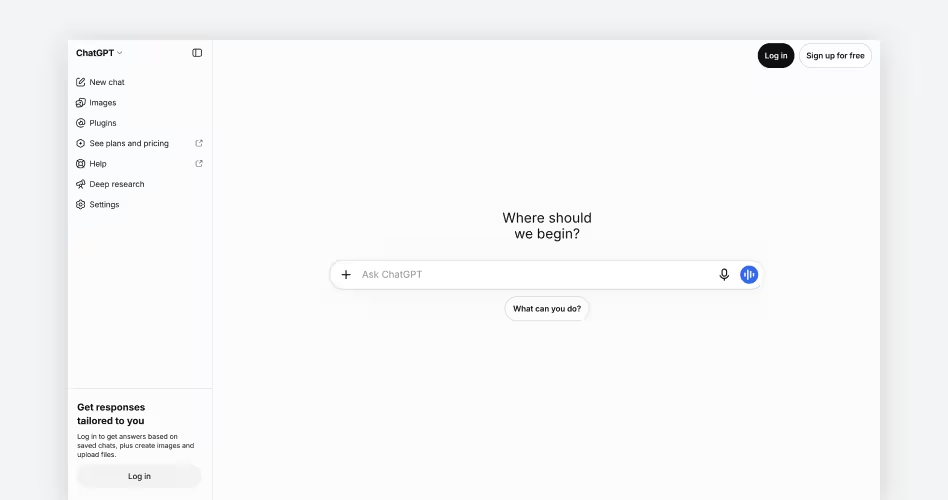
ChatGPT is the AI assistant most people try first and the one that made AI tools mainstream. You type a question or task in plain words, and it answers, writes, explains, or helps fix code.
Quick facts: Made by OpenAI. Launched in November 2022. 4.99 billion monthly visits. Reaches 1.2 billion people every week, by OpenAI's count. The free plan is available.
Use it for:
- Writing and editing emails, drafts, reports, and social posts
- Summarizing long documents, PDFs, and meeting notes
- Searching the web and getting answers with links
- Creating images from a brief description
- Explaining hard topics step by step, like a patient tutor
- Writing, checking, and fixing code
Best for: anyone who wants one tool that handles almost everything. If you only try one this year, it's the safe first pick.
Free vs. paid: the free plan covers everyday chat, writing help, and some file and image uploads. Paid plans add higher limits, newer models, and extra tools. OpenAI reported well over 50 million consumer subscribers in February 2026.
Watch out for: it sounds confident even when it's wrong. Check facts, numbers, overviews, and quotes before you publish or send anything.
2. Google Gemini
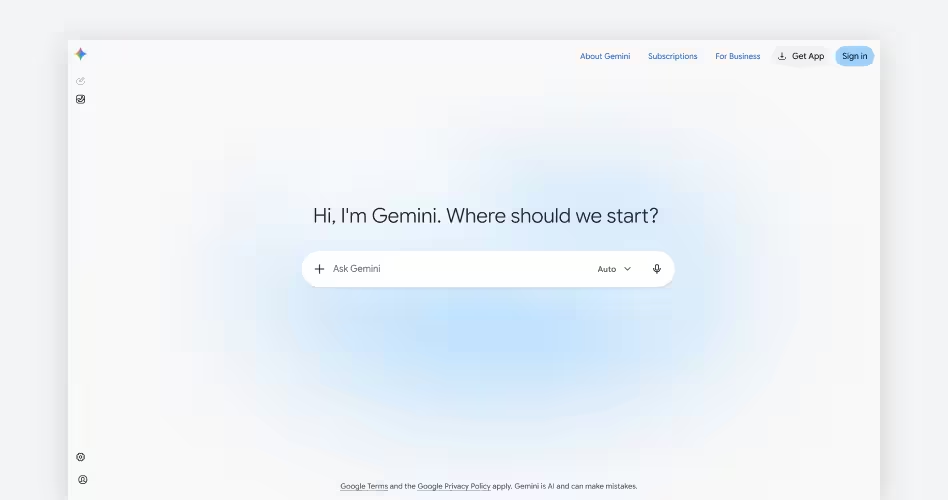
Gemini is Google's AI assistant, and it replaced Google's earlier chatbot, Bard. Its biggest strength is where it lives: Gmail, Google Docs, Google Search, Chrome, and Android phones. You get AI in the apps you already open daily, with no tab-switching.
Quick facts: Made by Google. 1.18 billion monthly visits. Passed 1 billion monthly active users in August 2026. The free plan is available.
Use it for:
- Summarizing long email threads in Gmail
- Drafting and editing documents in Google Docs
- Creating images at a scale of more than 150 million a day, by Google's count
- Taking actions across more than 40 Android apps, like setting reminders
- Asking questions about what's on your screen or in front of your camera
Best for: people and teams who already work in Google's apps. If your company runs on Gmail and Drive, setup is close to zero.
Free vs. paid: the free app is capable on its own. Paid plans add Google's strongest models, more cloud storage, and deeper features inside Gmail, Docs, and Sheets.
Watch out for: outside Google's apps, you lose much of what makes Gemini special. On its own, it's a strong chatbot, not a clear winner.
3. Claude
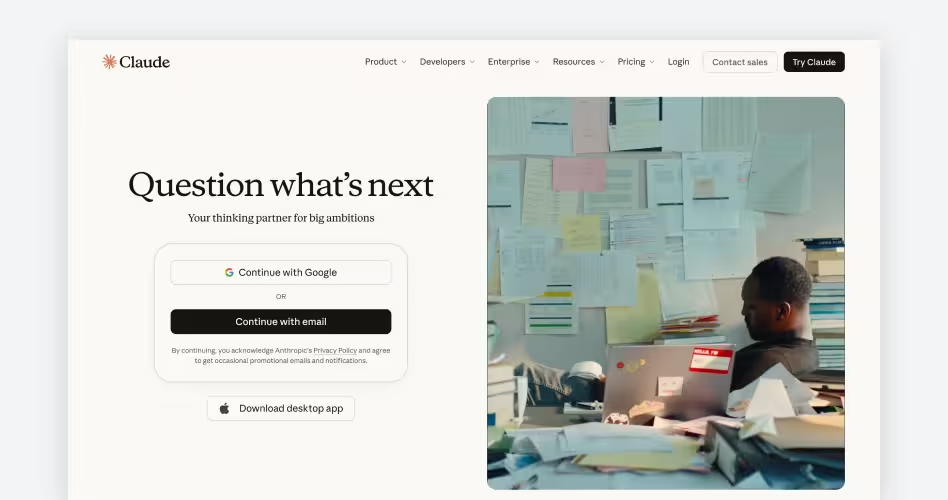
Claude is the assistant many people pick for serious writing and coding. You can hand it a long report, a contract, or a big chunk of code and ask detailed questions. Many users say its writing sounds more natural and less robotic than other chatbots.
Quick facts: Made by Anthropic. Launched March 2023. 1.15 billion monthly visits, up 55.2% between June and October 2026. The free plan is available.
Use it for:
- Reading and summarizing very long documents in one go
- Writing and editing long-form content in a consistent tone
- Writing, reviewing, and fixing code, including through Claude Code
- Analyzing data from files and spreadsheets
- Building small interactive pages, documents, and charts inside the chat
Best for: writers, researchers, developers, and teams that work with lots of text.
Free vs. paid: the free plan covers chat, file uploads, and writing and coding help. Paid plans mainly add much higher usage limits.
Watch out for: the free plan's limits are tighter than some rivals', so heavy users can hit the cap on a busy day.
4. Canva
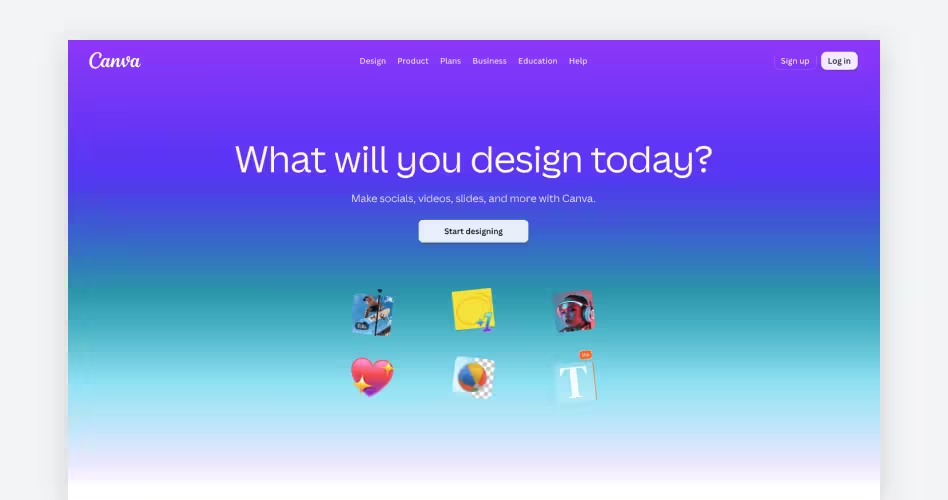
Canva is a design tool first and an AI tool second, and it's the only pure design platform in the top 10. You pick a template, drop in text and images, and download a finished design. Its AI features, grouped as Magic Studio, speed up the slow parts.
Quick facts: Made by Canva, an Australian company. Launched 2013, with major AI features added in 2023. 867 million monthly visits. The free plan is available.
Use it for:
- Making social posts, presentations, flyers, and short videos from templates
- Creating images from a text description
- Removing backgrounds from photos in one click
- Resizing one design into many formats, like a post, a story, and a banner
- Drafting captions and slide text
Best for: people who aren't designers but still need things to look good, such as small business owners, marketers, teachers, and students.
Free vs. paid: the free plan includes thousands of templates and basic AI features. Paid plans unlock premium templates, brand kits, background removal, and more AI uses each month.
Watch out for: it's great for quick, clean graphics. A full brand identity or a product interface still requires a trained designer.
5. DeepSeek
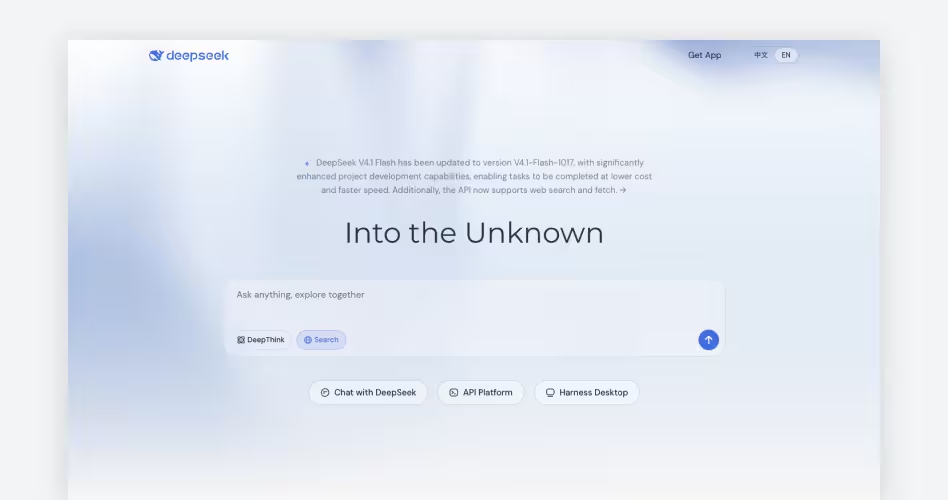
DeepSeek is a chatbot from a Chinese AI company that became famous almost overnight in early 2025. Its models scored well on math, logic, and coding tasks, while the chatbot stayed free, and it climbed app-store charts in several countries.
Quick facts: Made by DeepSeek, based in Hangzhou, China. 295.9 million monthly visits. Free to use.
Use it for:
- Solving math and logic problems step by step
- Writing and debugging code
- Everyday chat, writing help, and summaries
- Seeing its reasoning so you can follow how it reached an answer
Best for: students, developers, and curious users who want a capable assistant at no cost. Many people also keep it as a backup when they hit limits elsewhere.
Free vs. paid: the chatbot is free. DeepSeek earns money mainly from developers who use its models inside their apps.
Watch out for: the company is based in China. For work, check your company's rules on where data can be stored before you paste anything private.
6. Character.ai
Character.ai lets you chat with AI characters. Some are invented, some are based on famous people or fictional heroes, and you can build your own with a name, a personality and a backstory. It's built for conversation, not for getting tasks done.
Quick facts: Made by Character Technologies. Launched 2022. 286.1 million monthly visits, up 15.3% between June and October 2026. The free plan is available.
Use it for:
- Casual chats and interactive storytelling
- Practicing a new language with a patient chat partner
- Rehearsing conversations, like a job interview
- Brainstorming characters and plots for fiction
Best for: people looking for entertainment, creativity or practice. It's one of the few tools in the top 10 that's about fun more than work.
Free vs. paid: the free plan covers chatting with characters. A paid plan adds faster replies and extra features.
Watch out for: the characters can feel very real, so treat it as entertainment, not advice from a person. The company also filed for Chapter 11 bankruptcy on October 12, 2026, to pursue a court-supervised sale and says the platform stays online during the process. Who owns and runs it may change soon.
7. Grok
Grok is the AI assistant built into X (formerly Twitter). Its main strength is access to what people are posting on X right now, which makes it handy for following news, trends, and public reactions as they happen.
Quick facts: Made by xAI. Launched November 2023. 165.5 million monthly visits. The free plan is available.
Use it for:
- Quick summaries of trending topics and breaking news on X
- Everyday chat, writing help, and coding
- Creating images from text
- Explaining a post or thread you don't understand
Best for: people who already spend a lot of time on X and want fast answers about what's being discussed there.
Free vs. paid: the free plan gives everyday access with limits. Paid plans, including X's premium subscriptions, add higher limits and XAI's newest models.
Watch out for: posts on X aren't always accurate, so anything Grok pulls from them needs a second check.
8. DeepL
DeepL is an AI translation tool, and it's the only translator in the top 10. Many people prefer it to basic translators because the results sound more natural and keep the tone of the original, especially in European languages.
Quick facts: Made by DeepL, based in Cologne, Germany. Launched in 2017. 157.7 million monthly visits. The free plan is available.
Use it for:
- Translating text between more than 30 languages
- Translating whole documents, like Word files and PDFs, while keeping the layout
- Choosing a formal or informal tone in languages that have one
- Polishing your writing with DeepL Write
Best for: businesses that work across countries, students reading foreign sources, and anyone writing to people in another language.
Free vs. paid: the free plan translates text up to a word limit. Paid plans add document translation, stronger privacy for business use and no limits.
Watch out for: for legal, medical or contract text, have a fluent person review the translation before you send it. Its visits also slipped 3.9% between June and October 2026.
9. CapCut
CapCut is a video editor packed with AI features, and it's the go-to for short-form video. It's made by ByteDance, the company behind TikTok, so it's built around how people make TikToks, Reels and YouTube Shorts.
Quick facts: Made by ByteDance. 108.4 million monthly visits, up 24.4% between June and October 2026. The free plan is available.
Use it for:
- Adding captions automatically, which is relevant for videos people watch on mute
- Removing or replacing the background behind a person
- Cleaning up audio and turning text into a voiceover
- Cutting a long video into short clips for social media
- Using trending templates and effects
Best for: content creators, social media managers and small brands that post video often.
Free vs. paid: the free plan covers most basic editing and several AI tools. The paid plan unlocks pro effects, extra storage and the more advanced AI features.
Watch out for: some of the best features sit behind the paid plan, so check what's included before you build a workflow around it.
10. Perplexity
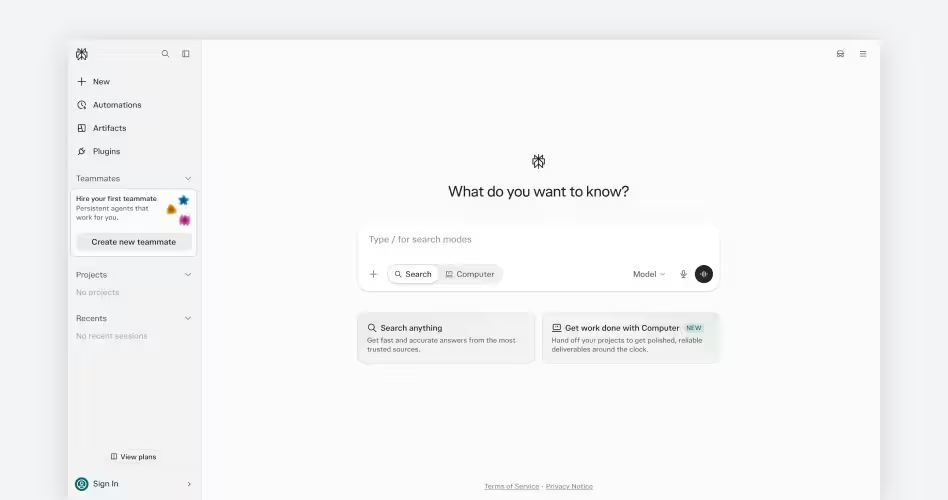
Perplexity is an AI search engine. Instead of a list of blue links, it gives you a written answer with numbered sources, so you can click through and check where each claim came from. That makes it a favorite for research.
Quick facts: Made by Perplexity AI. Launched December 2022. 97.9 million monthly visits. Free plan available.
Use it for:
- Getting quick, sourced answers to questions
- Researching a topic, a company or a market
- Comparing products before you buy
- Running longer, multi-step tasks through Perplexity Computer, its AI agent
Best for: students, journalists, marketers and anyone who wants answers they can verify, not just answers that sound right.
Free vs paid: the free plan covers everyday searches. Paid plans add more advanced searches and a choice of AI models.
Watch out for: Perplexity's traffic fell 15.5% between June and October 2026, and its lead over Microsoft Copilot at No. 11 is only 6.4 million visits. ChatGPT and Gemini now offer sourced answers too, so its spot isn't safe.
With all ten side by side, one name still towers over the rest. But with Gemini and Claude both past a billion visits, how safe is ChatGPT's lead?
Is ChatGPT Still the Most Popular AI Tool?
Yes. ChatGPT is still the most popular AI tool in the world by a wide margin. It got about 4.99 billion visits in October 2026, roughly 4.2 times Gemini's 1.18 billion, and OpenAI says it reaches 1.2 billion people every week.
Its share is slipping, though. In Exploding Topics' latest update, ChatGPT made up 47.11% of all visits to the 80 AI tools it tracks, under half. Gemini held 11.16% and Claude 10.87%, so the top three together account for nearly 70%.
Our math on the top 10 shows how top-heavy the market is. This is simple arithmetic on the October figures above, not a new data source:
The second-place race is the one to watch. Claude's visits grew 55.2% from June to October while Gemini's grew 5.8%, which is how the gap shrank to about 31 million visits. Two things probably explain it. Gemini ships inside Android and Google apps, so millions use it without signing up for anything new. And Claude seems to be winning people who write and code all day. Treat both as likely reasons, not proven ones.
So ChatGPT is number one, and it isn't close yet. But it's no longer the only big name, and for many jobs another tool may fit you better. Rank only tells half the story, though. Direction matters too.
Which AI Tools Are Growing Fastest?
The fastest-growing popular AI tools between June and October 2026 were Wayground, Higgsfield, GPTZero, Meta AI and Claude, while the biggest losers were Kimi, Replit and Perplexity. The table below has the numbers, all from Exploding Topics.
The last column is our reading of the numbers, not a finding from the data source. Six new tools also entered the list with over 10 million visits each, led by the AI detector ZeroGPT (41.9 million), then Kling, OpenRouter, OpenArt, Tripo and Gauth.
Growth shows where the market is heading. To find what fits your own work, sort the tools by the job you need done.
What Are the Most Popular AI Tools by Category?
Most work splits into a few jobs, and the best tool depends on the job. General assistants like ChatGPT and Claude can attempt almost anything, but a tool built for one task usually does it better. The table maps each job to a first pick and a runner-up; the notes below say when each is worth choosing.
Visit numbers below are October 2026 Semrush estimates from Exploding Topics.
Writing, Translation and Research
For writing, ChatGPT and Claude lead, with Gemini close behind. For grammar and rewording, Grammarly and QuillBot are the popular picks, and DeepL leads translation.
For research, Perplexity gives sourced answers, while Gemini Notebook (formerly NotebookLM) lets you upload your own documents and ask questions about them.
Coding and Software Development
Lovable, Cursor and Replit lead for coding. Lovable and Replit build apps from a plain-English description; Cursor is an AI code editor for working developers, and many pair it with ChatGPT or Claude. Windsurf, Devin and GitHub Copilot sit in the same space - the best AI coding tools for startups differ mainly in price, strengths and limits.
AI speeds up the first build, but user roles, billing and security still push the real cost well past the code.
Image and Design
Canva leads this category by a wide margin, with Remove.bg and Photoroom for background and product edits, and Midjourney and Leonardo for text-to-image.
Canva suits daily social posts, and Photoroom cleans up product shots.
For product imagery at volume, Orbix Studio's AI creative production handles ad graphics and launch assets, with a designer reviewing every output.
Video Editing
CapCut is the most popular AI video editor. Higgsfield is the 2026 breakout, with Kling, HeyGen and Runway rounding out the field.
The split is simple: CapCut edits footage you already shot, while Higgsfield, Kling and Runway generate new video from text or images, and HeyGen makes talking-avatar clips for training and demos.
Music and Voice
Suno leads for AI music - describe a song, pick a style, and it writes and performs a full track. ElevenLabs leads for voice, turning text into natural speech and dubbing videos into other languages. It can add voiceovers to product videos without booking a voice actor for every small update.
AI Agents
AI agents don't just answer; they plan and carry out a sequence of steps - researching a topic, filling a spreadsheet, sending a summary. The most popular agent tools are Manus, Zapier and n8n, and Perplexity has added its own agent.
Agents are still early. They work best on clear, repeatable tasks, and someone still needs to check their work.
The same tool can be perfect for one person and wasted on another, so it also helps to look at it from the user's side.
What Are the Most Popular AI Tools by Who Uses Them?
The right AI tool depends a lot on your job. A sales rep, a student and a designer can all use ChatGPT, but each gets the most from a different set of tools around it. Here's how the main groups tend to mix them.
For Business Teams
Businesses mostly use the big assistants in team or enterprise versions, which add admin controls and stronger data protection. Microsoft Copilot (91.5 million visits, No. 11) is popular in companies that run on Word, Excel, Outlook and Teams, and Gemini fits teams that live in Google Workspace.
Using these tools inside your team is one job. Building AI into your product, like a smart search bar or a helper for your customers, is another. That takes planning, design, and development. Founders hiring a design partner for it can weigh the best AI product design agencies on specialties, client fit and price.
Once the scope is clear, a development partner comes next, and the questions worth asking before you hire one are covered in the top MVP development companies list.
For Sales Reps
Sales reps lean on general assistants for the writing-heavy parts of the job: cold emails, follow-ups, call summaries, and proposal drafts. Gemini is handy because it works inside Gmail, and Copilot does the same inside Outlook. Perplexity is popular for quick prospect research, like finding a company's latest news before a call.
The best habit is to let AI write the first draft and then add your touch. Buyers can spot a generic AI email fast.
For Students and Teachers
Students use ChatGPT, Gemini, and Claude to explain hard topics, plus homework helpers like Gauth (11.3 million visits) and writing tools like Quillbot. For teachers, Wayground (formerly Quizizz) stands out: its visits rose 110.5% to 56 million.
AI detection is growing too. GPTZero, which checks whether text was written by AI, jumped 82.1% to 24.1 million visits, and the newcomer ZeroGPT entered the ranking with 41.9 million.
For Designers and Creative Teams
Designers mix several tools. Canva handles quick graphics, Midjourney and Higgsfield create visuals and video concepts, and Photoroom speeds up product imagery. Adobe Firefly and Figma have built AI features into tools many design teams already open every day.
In our experience, AI speeds up the early stages most: mood boards, rough concepts, and first drafts of copy. On our own projects, for instance, AI handles the first ideas and variations while a designer refines every asset before it ships, with an art director reviewing each one before delivery. The same hands-on split sits behind product work like PXGEN, an AI image-generation platform we designed, and an AI travel-booking app with built-in trip suggestions, where AI powers the product but the interface is still shaped by hand. The split we see is that AI takes over repetitive production work, while research, judgment and creative direction stay with designers. That's also the argument behind how AI is changing design.
A wider shortlist of AI design tools spans prototyping, brand design and image generation.
Core platforms are a separate decision, and Figma, Sketch, Penpot and Miro all appear in a UI/UX design tools comparison.
Before committing to any of these, there's a practical question every startup asks: how much of this can we get without paying?
Which Popular AI Tools Are Free to Use?
All 10 of the most popular AI tools have a free plan: ChatGPT, Gemini, Claude, Canva, DeepSeek, Character.ai, Grok, DeepL, CapCut and Perplexity. The catch is that free plans limit how much you can use them and which features you get.
Here's what the free plan usually gives you, and what paying adds:
Plans and limits change often, so check each pricing page before you decide. One rule works for most people: if you hit a free limit every single day, that's the tool worth paying for.
Free plans make it easy to try everything, and that can turn into five half-used apps and no real habit. A better move is to pick one tool for one job and learn it properly.
How Do You Pick the Right AI Tool as a Beginner?
The best AI tool for a beginner is the one that saves time on a task you already do every week. Popularity is a good place to start, but your own work should make the final call. Three steps get you there without weeks of trial and error.
1. Start With One Task
Don't ask which tool is best. Ask which task eats most of your time. It might be writing emails, summarizing meetings, making social posts or fixing code. Then pick the tool that's most popular for that task, using the job table above.
For example, someone whose main task is investor emails would start with Claude, while someone focused on social posts would start with Canva. One task and one tool, used every day, is how you learn fast.
2. Try the Free Plan First
Give the free plan a real two-week test on actual work, not toy questions. Keep a quick note of what it got right, what you had to fix, and whether you hit the usage limit.
At the end, the answer is usually clear. If the tool saved time and you kept hitting the limit, it's worth paying for. If you kept going back to doing the job by hand, try the next tool on the list.
3. Check How It Handles Your Data
Before you paste anything private into an AI tool, check two things on its settings or privacy page. First, whether your chats are used to train the AI, and whether you can turn that off. Second, where your data is stored.
This matters most for work. Customer details, contracts, passwords and unreleased plans shouldn't go into a free personal account. Business plans of the big tools usually give you stronger privacy controls.
What Are Common Mistakes When Choosing an AI Tool by Popularity?
The most common mistake is treating rank as a recommendation. A top-10 spot tells you many people visit a tool, not that it suits your work. These are the errors worth avoiding:
- Picking by rank alone. A specialist with a fraction of the traffic can beat a general chatbot at one job.
- Judging from one test prompt. Run the tool on a real task for two weeks before you decide.
- Paying before you hit limits. If the free plan covers your week, an upgrade adds nothing.
- Pasting private data into free accounts. Business plans usually offer stronger controls.
- Trusting answers without checking. Chatbots can sound confident when they're wrong, and tools that pull from social posts need a second look.
- Signing up for five tools at once. One task and one tool builds a habit faster.
If you'd like more plain-English explainers after this one, the Orbix Studio blog is where we publish them.
Frequently Asked Questions
What is the No. 1 most used AI tool?
ChatGPT is the No. 1 most used AI tool in the world. It got about 4.99 billion website visits in October 2026, and OpenAI says it reaches 1.2 billion people every week. No other tool comes close yet.
What are the top 10 most popular AI tools?
The top 10 by monthly visits in October 2026 are ChatGPT, Google Gemini, Claude, Canva, DeepSeek, Character.ai, Grok, DeepL, CapCut and Perplexity. Most are general AI assistants. Canva, DeepL and CapCut are specialist tools for design, translation and video.
What are the most popular AI coding tools?
The most popular AI coding tools are Lovable, Cursor and Replit, along with ChatGPT and Claude. Lovable and Replit help you build apps by describing them in plain words. Cursor is an AI code editor built for working developers.
What are the most popular free AI tools?
ChatGPT, Gemini, Claude, DeepSeek and Perplexity are the most popular AI tools you can use for free. Canva, CapCut and DeepL also have useful free plans. Free plans have usage limits, but they're enough for most beginners.
Does high traffic mean an AI tool is best for me?
No. Traffic shows how many people visit a tool, not whether it fits your work. A specialist tool with far fewer visits can beat a general chatbot for one job. Choose by task first, then use popularity as a tiebreaker between similar options.
Which AI tools are growing fastest in 2026?
Between June and October 2026, Wayground grew 110.5%, Higgsfield 110.3%, GPTZero 82.1%, Meta AI 71.0% and Claude 55.2%. Among the top three tools, Claude is growing fastest. Cursor grew 11.7%, while Replit and Perplexity lost traffic.
Which AI tools are most popular in the UAE?
There's no official app-by-app ranking for the UAE, but global leaders like ChatGPT, Gemini and Claude are widely used there. Microsoft's Q2 2026 diffusion report puts generative AI use at 73.3% of the UAE's working-age population, the highest in the world.
Are popular AI tools safe to use for business data?
They can be, if you use the right plan and settings. Business and enterprise plans usually offer stronger data protection than free personal accounts. Avoid pasting private customer data, passwords or contracts into free tools, and check whether your chats are used for training.
Final Thoughts
The most popular AI tools in 2026 are led by ChatGPT, with Gemini and Claude growing fast behind it. Below them, the best tool depends on the job: Canva for design, CapCut for video, DeepL for translation, Cursor for code and Suno for music.
Don't try to use all of them. Pick the task that takes up most of your week, test the most popular tool for it on the free plan, and keep it only if it saves you time.
About Orbix Studio
Orbix Studio is a product design and development agency for B2B SaaS and AI companies. Its services include UI/UX, SaaS and website design, branding, app and MVP development, and AI services. If your next step is building AI into your own website or product, the team is happy to talk it through.